Everything AIDA64 Promised, None of the Hassle
No HDMI, No Secondary Display Hassle
Unlike HDMI panels that turn your PC into a second monitor, PulseDeck connects over USB-C and starts monitoring in seconds, no drivers needed.
All-In-One System Insights
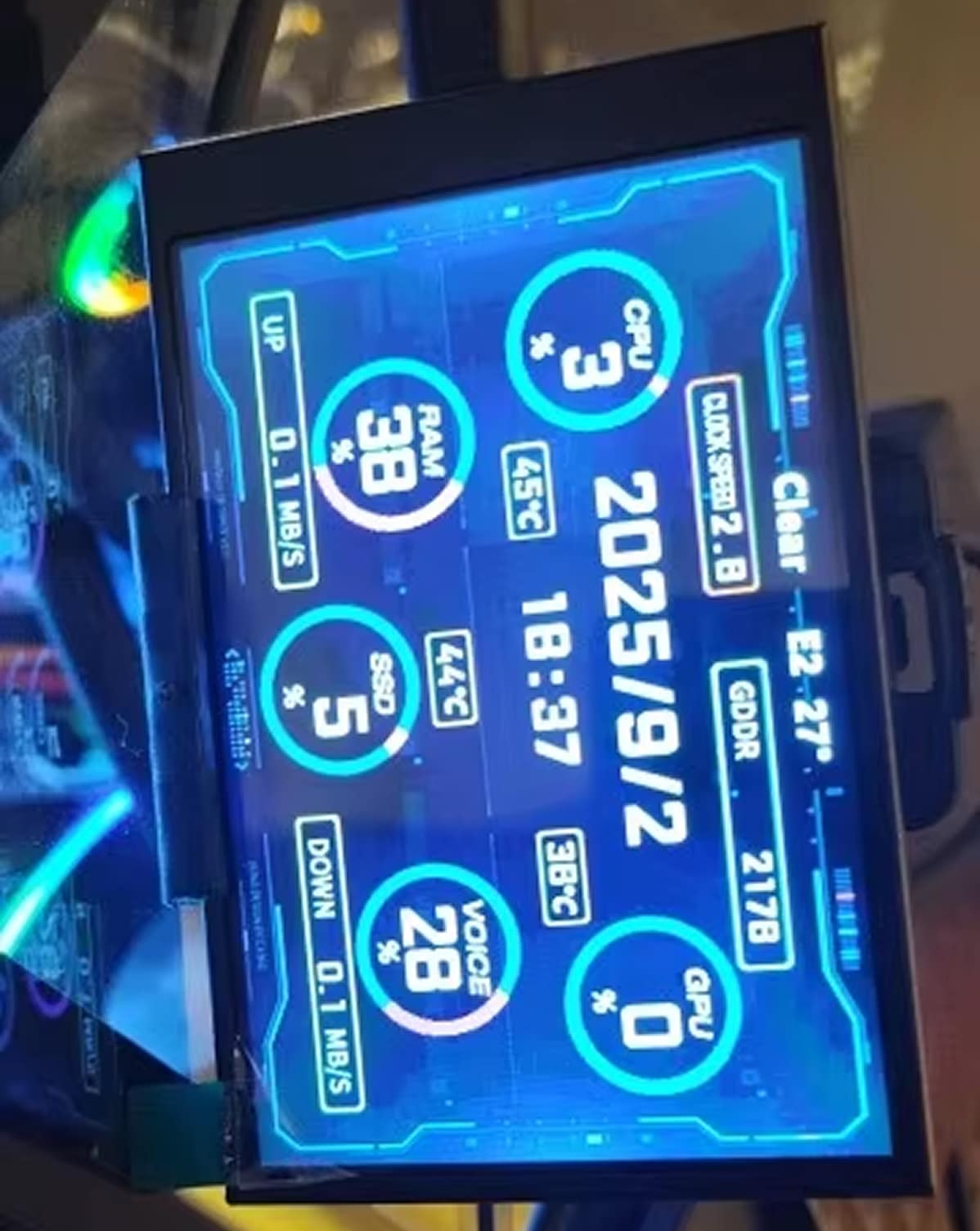
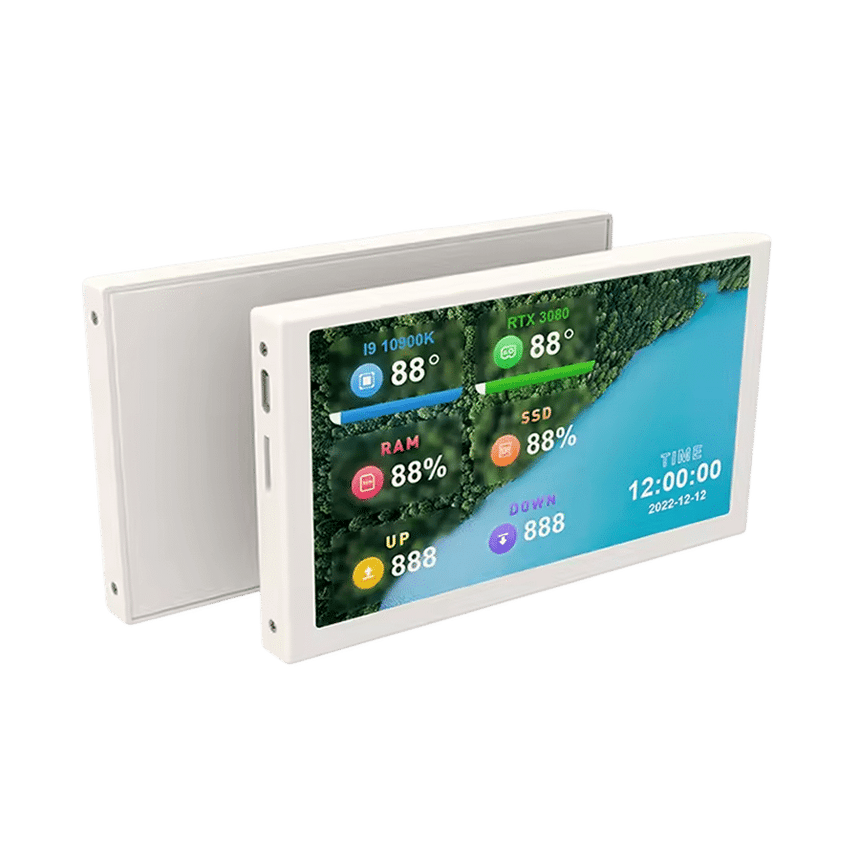
See CPU/GPU temps, RAM, disk, network speed, time, and weather at a single glance. Never alt-tab or dig through menus to check your stats again.
Vivid IPS Display Clarity
The IPS panel stays sharp and legible from every angle, even beside bright RGB lighting. Perfect for a case window or a clean desktop stand.
Fully Customizable Themes
Choose preloaded themes or build your own with the drag-and-drop editor. Match your dashboard to your setup's vibe.
What our 17,000+ Customers say
Based On Real and Honest Experiences
Frequently Asked Questions
Do I need AIDA64 or other monitoring software installed?
Nope! PulseDeck works right out of the box with its own lightweight app. No AIDA64, no complicated drivers, just plug in and go.
Can I mount PulseDeck inside my PC case?
Absolutely. The included bracket keeps PulseDeck tucked neatly inside a tempered glass case or off to the side on your desk, with a clean look instead of a messy DIY mount.
Will this slow down my PC or eat up resources?
Not even close. Community tests show overlay software can shave 3-10% off your frame rate, but PulseDeck's companion app runs on minimal CPU and RAM, so your performance stays untouched.
Can I customize the screen with my own themes and images?
Yes! Use the built-in theme editor to drag, drop, and upload custom backgrounds, or pick from preloaded themes so your setup looks like nobody else's.
How long do these mini monitors usually last?
PulseDeck skips the fragile AIDA64 skins and constant tinkering that make DIY panels feel like a chore. Plug it in, pick a theme, and it just runs quietly in the background every time you boot up.
How big is the actual screen?
The display measures just 55×85mm with a slim 7-8mm profile, small enough to tuck into a tight case window or sit neatly on a crowded desk without stealing space.
Is PulseDeck bright enough to see inside an RGB case?
Yes. PulseDeck's stepless brightness control lets you dial it up so the display stays crisp next to bright RGB lighting, or dim it down for comfortable late-night sessions.
What's included in the box?
You'll receive the PulseDeck monitor, a mounting bracket, a USB-C data cable, and a simple user manual to get started right away.