Built to Fix What Other Webcams Get Wrong
Clear, Natural Color in Any Light
At 2560x1440, calls look sharp and true to life, not grainy or washed out. Colors stay accurate even when the lighting isn't perfect.
Follows You Without Losing Focus
Real-time tracking keeps you sharp whether you lean in or move around. No more blurry frames on calls, classes, or streams.
Three Lighting Modes for Every Call
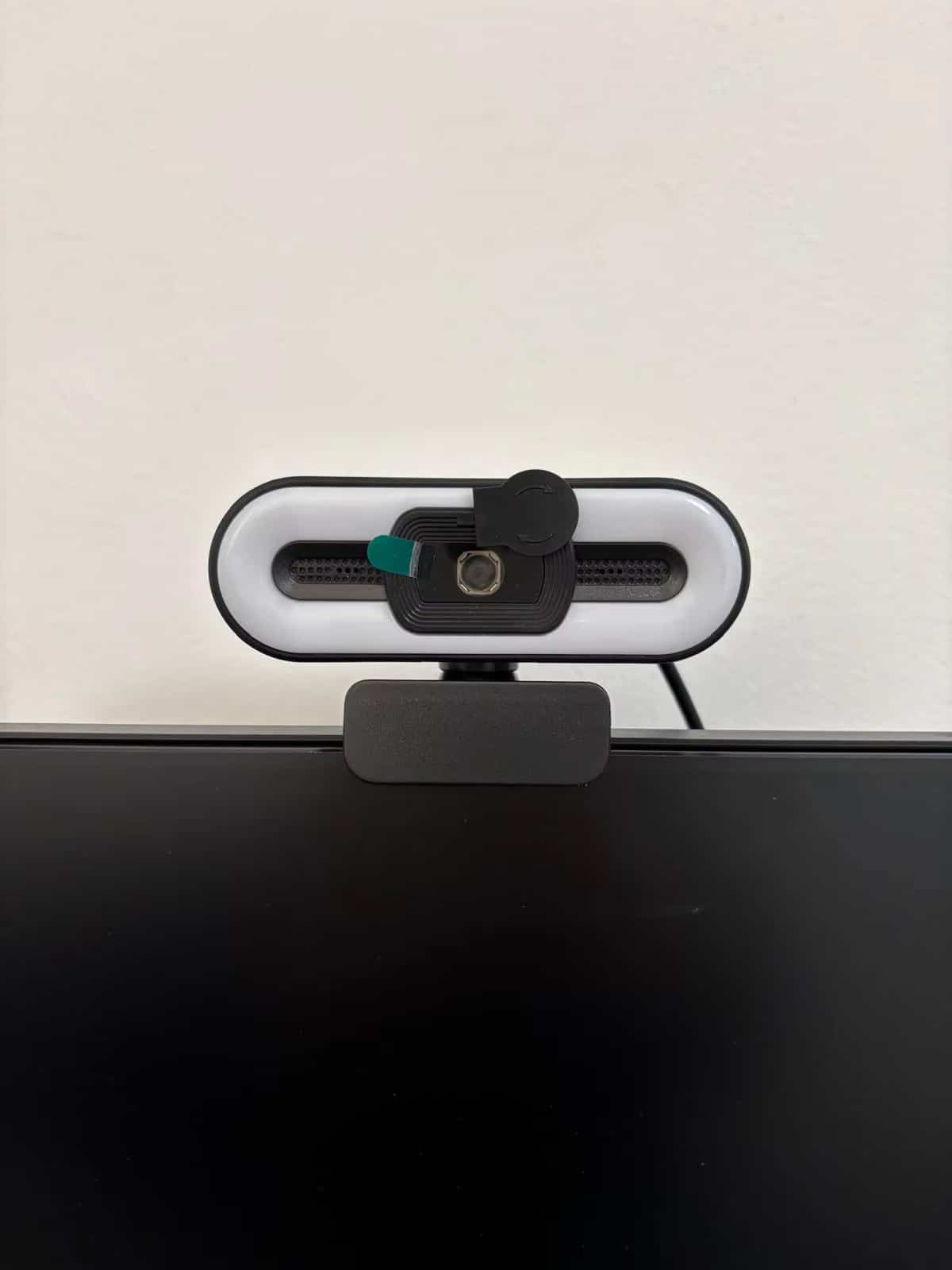
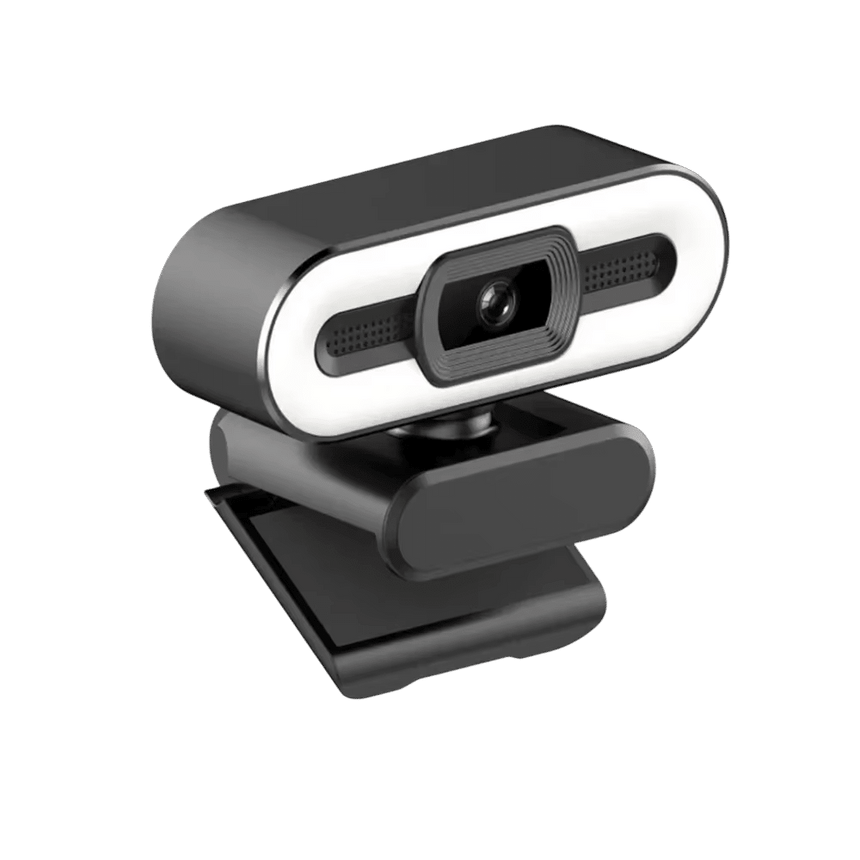
Switch between cool, warm, or balanced light with a single touch. Shadows disappear and your complexion looks polished on every call.
Noise-Reducing Microphone
Built-in noise reduction filters out clicks, fans, and background chatter. Your voice stays clear from up to 8 meters away.
What our 17,000+ Customers say
Based On Real and Honest Experiences
Frequently Asked Questions
Will PrismEye work with Zoom, Teams, and other video apps?
Yes. PrismEye works with Zoom, Microsoft Teams, Google Meet, and virtually any video platform on Mac or Windows. It's recognized as a standard webcam, so there's nothing extra to configure.
Do I need to install any software or drivers?
No installation required. Simply plug PrismEye into a USB port and your computer will detect it automatically, ready for your very next call.
Does PrismEye work well in low light without extra ring lights?
Yes. PrismEye is built to hold onto true color and detail even when the room isn't well lit, so you're not stuck buying a ring light just to look clear on a call or stream.
How does the video quality compare to my laptop's built-in camera?
PrismEye delivers sharp 2K resolution with true color accuracy, a massive upgrade from grainy built-in laptop cameras. You'll notice the difference the moment you connect.
Can I adjust the lighting for different rooms or times of day?
Yes, PrismEye includes three lighting modes: cool, warm, and balanced. Switch between them with a simple touch to match any environment or mood.
Will the microphone pick up noise from my room?
PrismEye's built-in microphone actively filters out background noise like keyboard clicks and fans. It captures your voice clearly from up to 8 meters away.
How do I attach PrismEye to my monitor or laptop?
PrismEye comes with an adjustable mounting clip that fits most monitors and laptop screens securely. Setup takes just a few seconds, no tools needed.
Does resolution even matter if Zoom or Teams compress the video anyway?
Compression can't fix a weak image. PrismEye captures at 2560x1440 with accurate color, so what comes through after Zoom or Teams compress it still looks sharp and true to life, not blurry or washed out.