Why PixelVerve Beats Your Phone
Guided Menus Built for Beginners
On-screen menus walk you through every setting in plain language, so you start shooting with confidence in minutes, not weeks of trial and error.
56MP Detail Plus True 4K Video
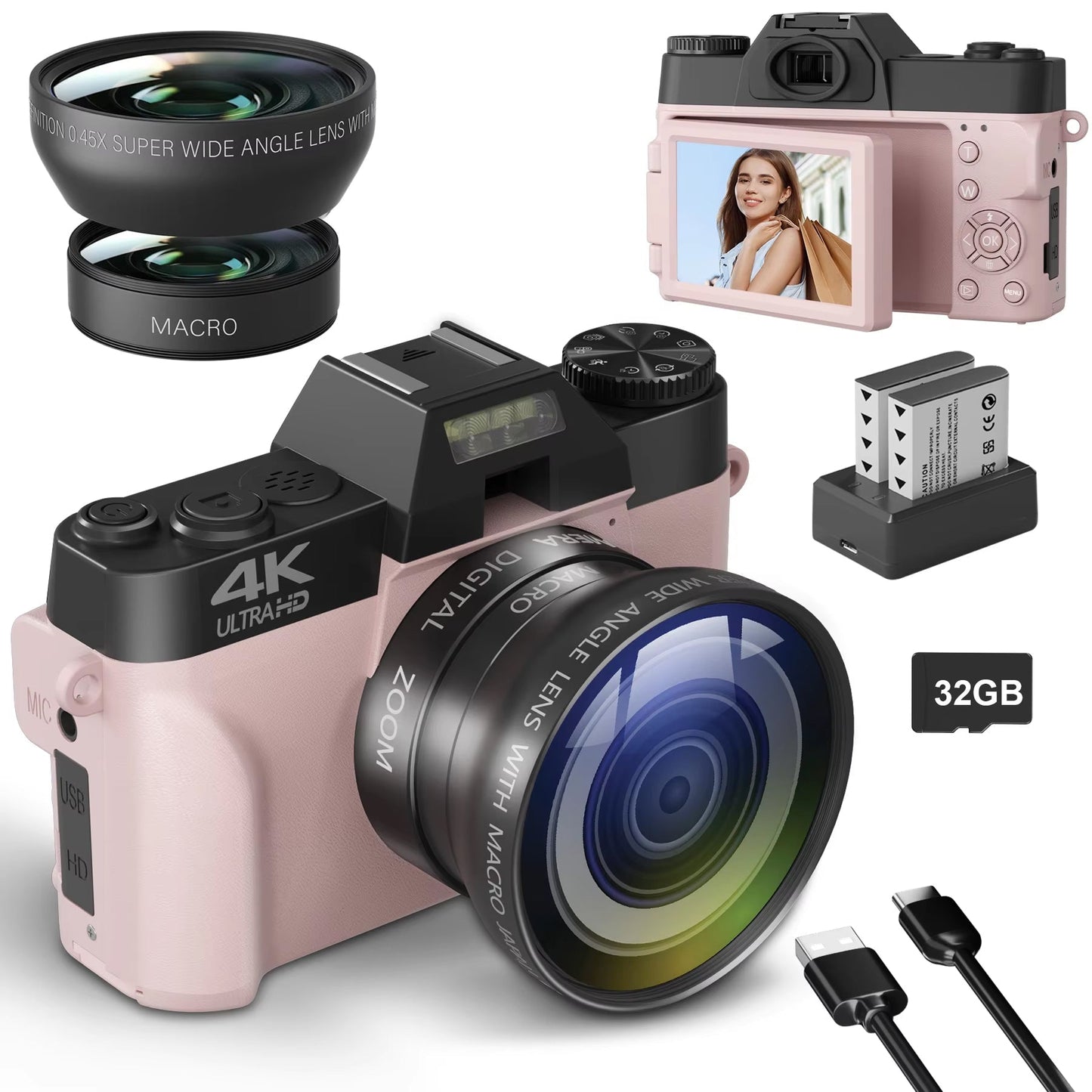
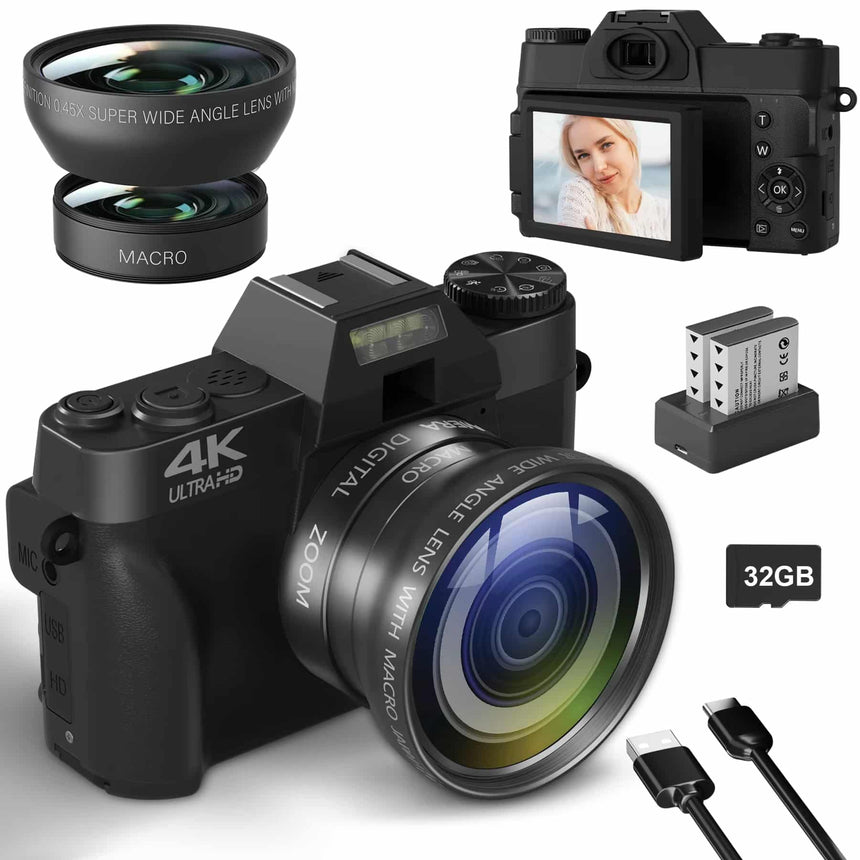
A 56MP sensor and true 4K video capture the fine detail your phone smooths away, and the built-in fill light keeps dim indoor shots clear.
Room to Explore Every Shot Style
Switch between 4K video, time-lapse, and slow motion in seconds, then reach for the included wide-angle or macro attachment for a different look.
Light Enough for Everyday Carry
PixelVerve is light enough to toss in a daypack or diaper bag, with the strap already attached so it travels easily to games, hikes, and family trips.
What our 17,000+ Customers say
Based On Real and Honest Experiences
Frequently Asked Questions
Is this camera good for complete beginners?
Yes. PixelVerve uses guided on-screen menus that explain each setting in plain language, so first-time shooters go from confused to confident within their first few sessions.
What video quality can I expect?
You'll get true 4K video alongside 56MP still photos, so your clips and stills hold up whether you're vlogging, saving family moments, or just filming for fun.
Can I use it as a webcam?
Yes. Connect PixelVerve over WiFi and use it as a sharper webcam for streaming or video calls than most built-in laptop cameras can manage.
Do I need to buy extra lenses right away?
No. PixelVerve ships with a wide-angle attachment for group and landscape shots plus a macro attachment for close-up detail, so you can experiment from day one.
Does it work well in low light?
The built-in fill light helps PixelVerve capture clearer, better-exposed shots indoors or after dark than a phone camera typically manages on its own.
Is the flip screen useful for vlogging?
Yes. The 180-degree flip screen lets you see exactly how you're framed while filming solo, so you're not guessing whether you're even in the shot.
What SD card should I use?
PixelVerve uses a standard SD memory card, which isn't included. Pick one with enough storage and write speed for 4K video so recording never stutters or stops early.
Is PixelVerve light enough for kids or all-day travel?
Yes. PixelVerve is compact and light enough for kids to hold comfortably and for parents to carry all day at games, on hikes, or through a full day of travel.