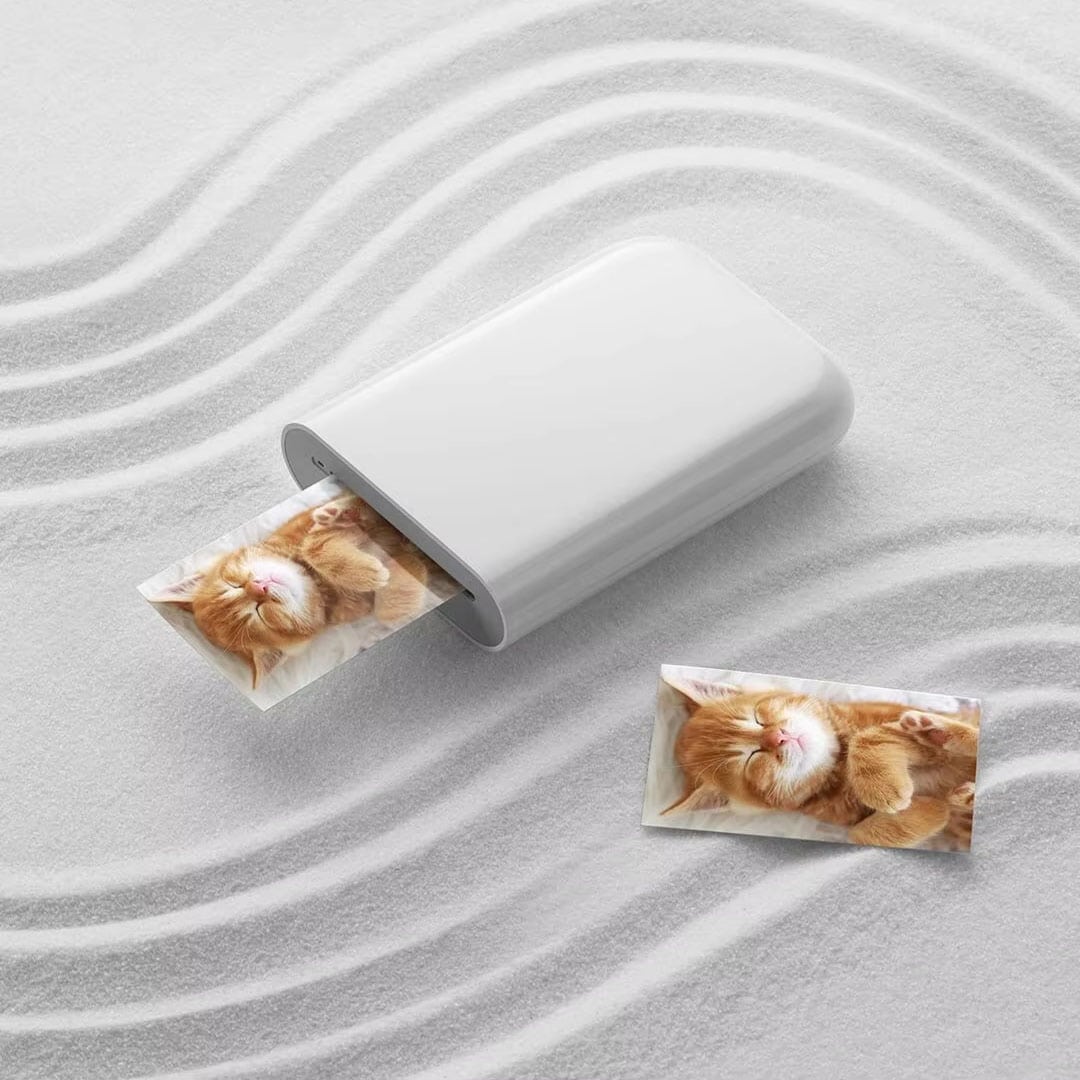
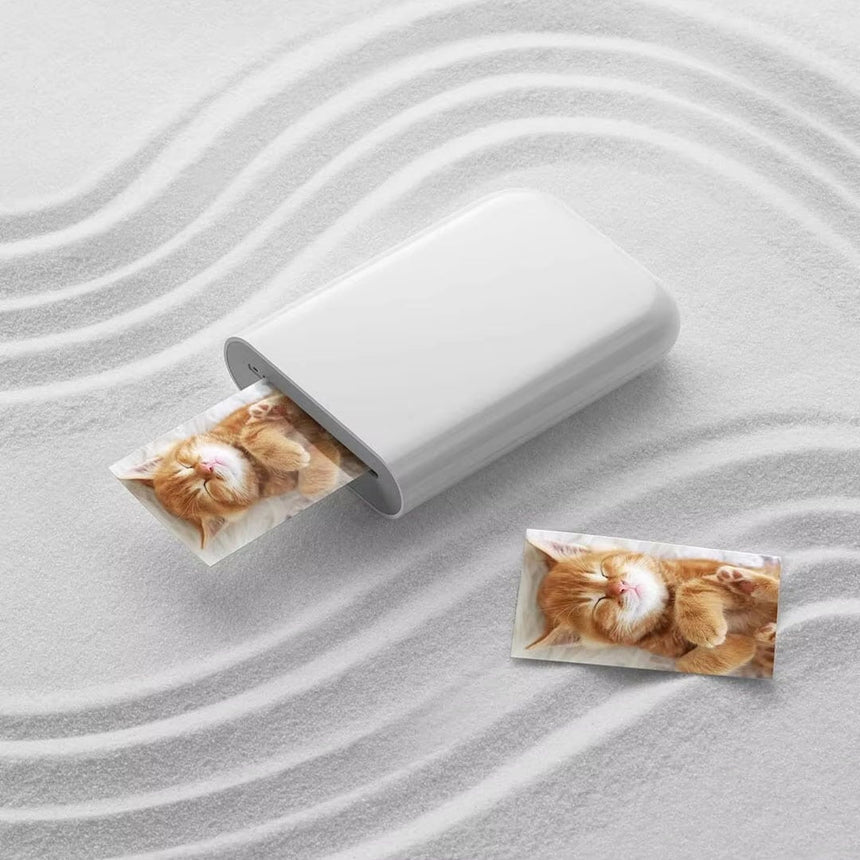
Why PicoPrint's Prints Don't Turn Muddy
Color Crystals Built Into the Paper
Thermal heat activates color crystals baked right into the paper. No cartridges, no smudges, no ongoing ink costs.
Sticks Flat, No Glue or Tape Needed
Peel the backing and press each print straight into your journal or planner. The adhesive holds flat without wrinkling or lifting at the corners.
Small Enough to Vanish in a Pocket
PicoPrint slides into a coat pocket or bag without adding bulk. Bring it to parties, trips, or a quiet afternoon of journaling.
Everyone Prints From Their Own Phone
Several phones can connect to one PicoPrint over Bluetooth at the same time. No more passing a single phone around so everyone gets a copy.
What our 17,000+ Customers say
Based On Real and Honest Experiences
Frequently Asked Questions
Does PicoPrint work with both iPhone and Android?
Yes. PicoPrint pairs with iOS and Android phones over Bluetooth, so you can print straight from your camera roll no matter which phone you use.
How fast does it print a photo?
Most photos print in about 15 seconds from the moment you hit the button. Print time can shift slightly with more detailed images, but you'll rarely be waiting long.
How much does the photo paper cost, and where do I get more?
PicoPrint uses refill paper packs instead of ink or toner cartridges. You can order more paper anytime you're running low, so you're never stuck waiting on ink to restock.
Do PicoPrint's prints fade or turn muddy over time?
PicoPrint's color comes from crystals baked into the paper, not ink dropped on top, so tones stay true instead of muddy. Keep prints out of direct sunlight to help the color stay its truest for as long as possible.
What size are PicoPrint's photos, and do they work for journaling?
Every photo prints as a 3x3 inch square, a popular size for journals, planners, and photo albums. Choose the sticky-back paper if you want an instant photo sticker instead of a plain print.
Is there a subscription, or do I only pay for paper when I run out?
No subscription. PicoPrint paper is sold in one-time refill packs, so you only pay when you actually need more and can stock up as little or as much as you like.
Will the sticky-back paper damage my journal or planner pages?
PicoPrint's sticky-back paper peels on and presses flat like a photo sticker, without extra glue or tape. It's built for journal and planner pages, so it stays put without curling at the corners.
Is PicoPrint worth it compared to a regular photo printing service?
A print-shop photo means uploading files, paying per print, and waiting days for pickup or shipping. PicoPrint turns the same photo into a print in about 15 seconds, right from your phone, while the moment is still fresh.