One Hub. Every Connection You'll Ever Need.
12-Port All-In-One Hub
Stop juggling adapters. NexaDock unifies USB 3.0, HDMI, VGA, Ethernet, SD/TF, and audio into a single streamlined device. Your desk goes from chaotic to command-ready in seconds.
Blazing-Fast Data Transfers
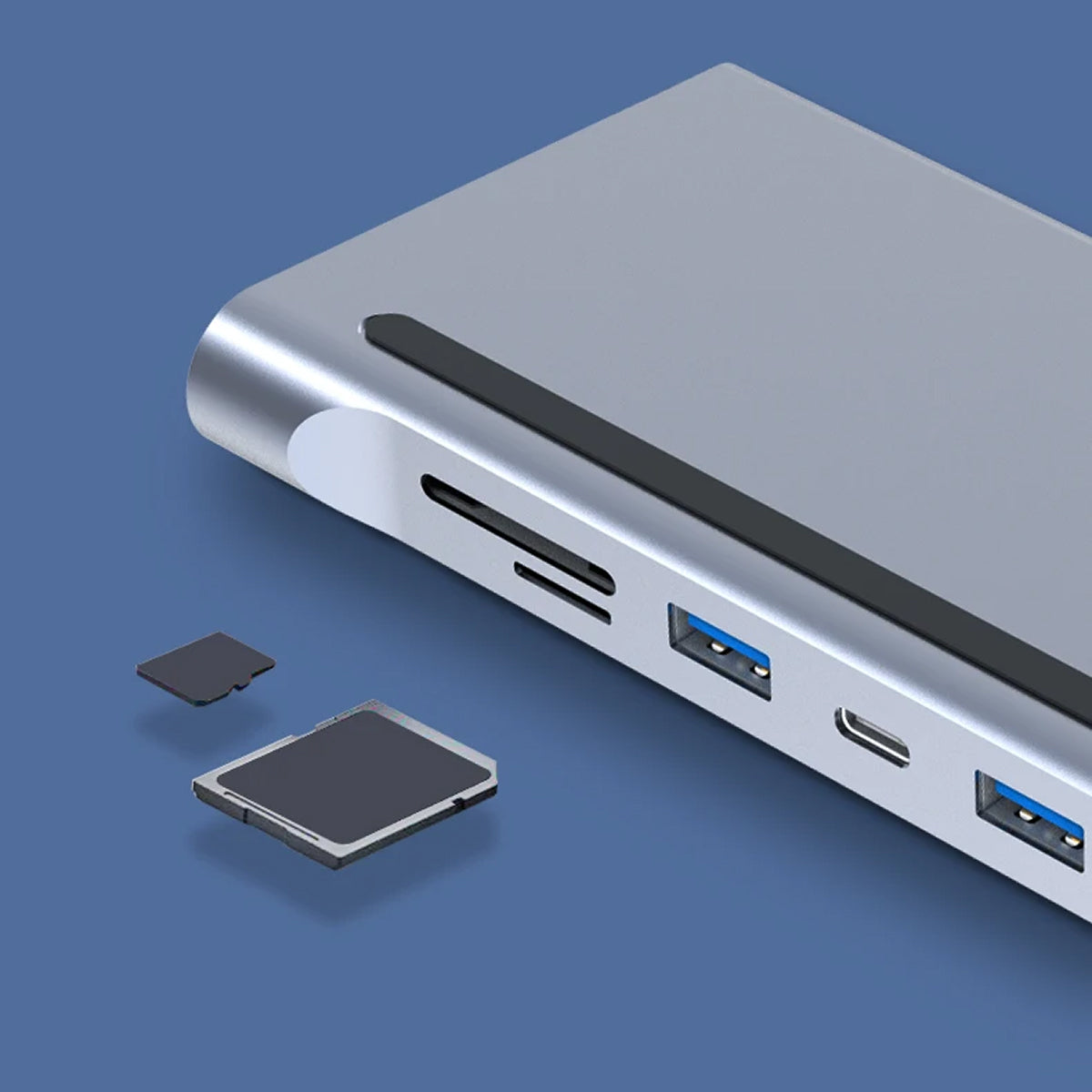
Move large files in a fraction of the time with USB 3.0 speeds up to 5Gbps and Type-C connectivity. The dual SD/TF card slots give you instant access to photos, videos, and project files without waiting.
4K Display & Dual Monitor Support
Expand your workflow across two screens with crystal-clear 4K output via HDMI and VGA. Whether you're presenting, designing, or multitasking, NexaDock delivers the visual real estate you need.
Smart Power Delivery
NexaDock's 100W Power Delivery keeps your laptop fully charged while all your peripherals run simultaneously. Intelligent power regulation protects your devices and ensures uninterrupted performance all day long.
What our 17,000+ Customers say
Based On Real and Honest Experiences
Frequently Asked Questions
Will NexaDock work with my laptop?
Almost certainly. NexaDock is built for universal compatibility across Windows, macOS, and Linux. Just plug it in and it's ready — no drivers to install, no software to configure.
How fast are the data transfer speeds?
USB 3.0 ports deliver speeds up to 5Gbps, while the Type-C port handles rapid transfers for large project files. The dual SD/TF card slots are optimized for fast media access — ideal for photographers and video editors.
Can I run two monitors at the same time?
Yes. NexaDock supports dual monitor setups using the HDMI and VGA outputs simultaneously, with 4K resolution available via HDMI. Perfect for expanding your screen space and boosting daily output.
Will my laptop stay charged while I use the hub?
Absolutely. The 100W Power Delivery port charges your laptop at full speed while all 12 ports remain active. Built-in power management ensures your device is always protected from surges or overloads.
Does it overheat during long work sessions?
Not at all. NexaDock's solid aluminum shell acts as a passive heat sink, drawing warmth away from the internals. It stays cool to the touch even during all-day use with multiple devices connected.
How many devices can I connect at once?
Up to 12 devices simultaneously — including USB peripherals, dual monitors, wired Ethernet, SD/TF cards, and a 3.5mm audio device. One hub genuinely replaces every adapter on your desk.
Is the Ethernet connection reliable enough for video calls?
Yes. The RJ45 Gigabit Ethernet port delivers a rock-solid wired connection that outperforms Wi-Fi for video conferencing, cloud uploads, and any task where latency and stability matter.
How big is the NexaDock? Will it take up a lot of desk space?
NexaDock has a slim, compact footprint designed to sit neatly beside your laptop without crowding your workspace. Despite housing 12 ports, the aluminum chassis is surprisingly small and travel-friendly.