Why Families Choose MemoraVue
Remote Photo Sharing From Anywhere
Family anywhere in the world can send new photos straight from their phone. They upload once, and MemoraVue does the rest automatically.
Auto-Orientation for Every Photo
MemoraVue automatically adjusts for portrait or landscape. Every photo displays exactly as it was captured, no manual cropping.
Cordless Freedom, Anywhere You Go
With up to 3 hours of battery life, carry MemoraVue from the kitchen table to the guest room without hunting for an outlet.
Vivid HD Photo & Video Playback
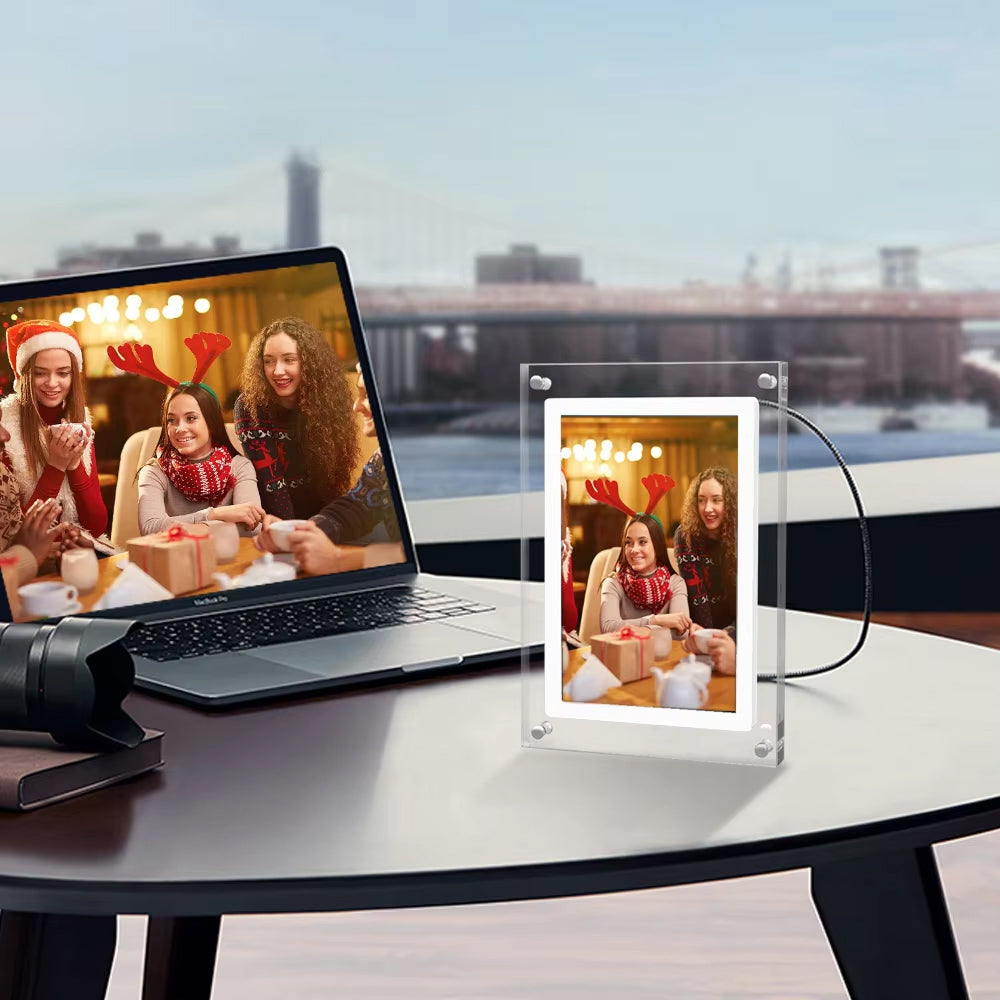
Enjoy both still photos and video clips in crisp, true-to-life color. Every memory looks the way you actually remember it.
What our 17,000+ Customers say
Based On Real and Honest Experiences
Frequently Asked Questions
How do I send photos to my MemoraVue frame?
Just install the free app on your phone and upload any photo or video; it syncs to your frame automatically over WiFi. No cables, no computer, no complicated setup.
Can my whole family send photos from different phones?
Yes! Family can upload new photos and videos through the free companion app from anywhere. They appear on your frame automatically, no subscription required no matter how many you send.
Will the screen look like a real photo, or will it glare?
MemoraVue's HD display is designed to minimize glare, so photos look like real prints instead of a glowing screen. Even in a sunlit living room, memories stay clear and true to color.
What happens if my photos are vertical instead of horizontal?
No problem at all. MemoraVue automatically detects orientation and adjusts the display, so every photo fits perfectly whether it's portrait or landscape.
Does MemoraVue play videos too?
Yes, MemoraVue plays short video clips right alongside your photos, sent the same easy way from the family app, so you can relive moving memories, not just still shots.
Does MemoraVue require a subscription?
No, never. Every feature is included with your purchase, upload as many photos and videos as you want, with no monthly fees or app paywalls, unlike some other frames that nag you to upgrade.
Is MemoraVue easy for older family members to use?
Definitely. Once it's set up, your parents never have to touch a button. You add new photos remotely from your phone, and they simply enjoy watching new memories appear.
Why choose MemoraVue over a cheaper frame elsewhere?
Cheaper frames often hide subscription fees, use glare-prone screens, and stop working within months. MemoraVue is built for years of daily use, with a real print-like display and every feature included, no subscription required.