Everything You Need. Nothing You Don't.
Universal System Compatibility
LumiDisc Pro pairs instantly with virtually every Mac and Windows machine ever made. From a decade-old iMac to a brand-new Windows 11 ultrabook, your setup is already supported.
Rapid Read and Burn Speeds
Stop watching progress bars. With 24X CD, 8X DVD, and 6X Blu-ray speeds, large backups and disc burns finish in a fraction of the time you'd expect from a portable drive.
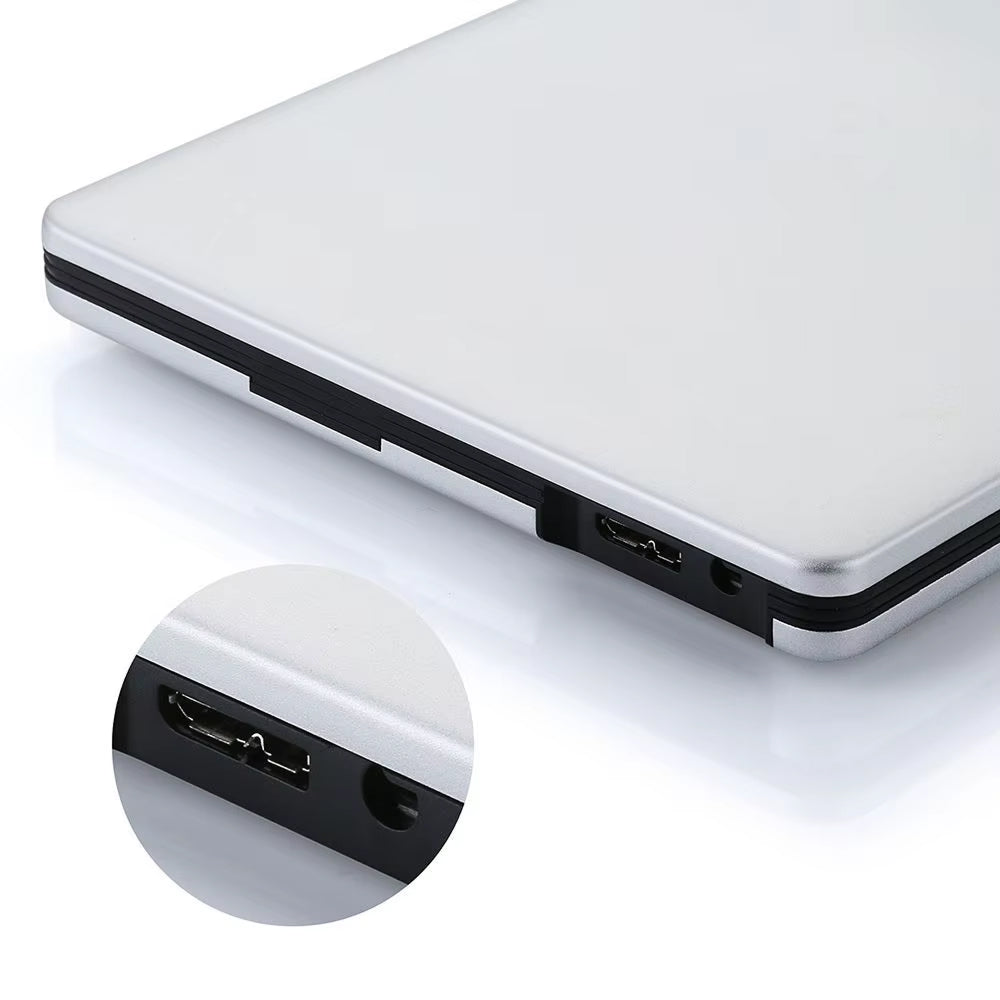
Triple-Cable Connectivity
Every cable you could need ships in the box. Plug into Type-C for peak throughput, or fall back to USB 3.0 or 2.0 — LumiDisc Pro adapts to whatever port your device offers.
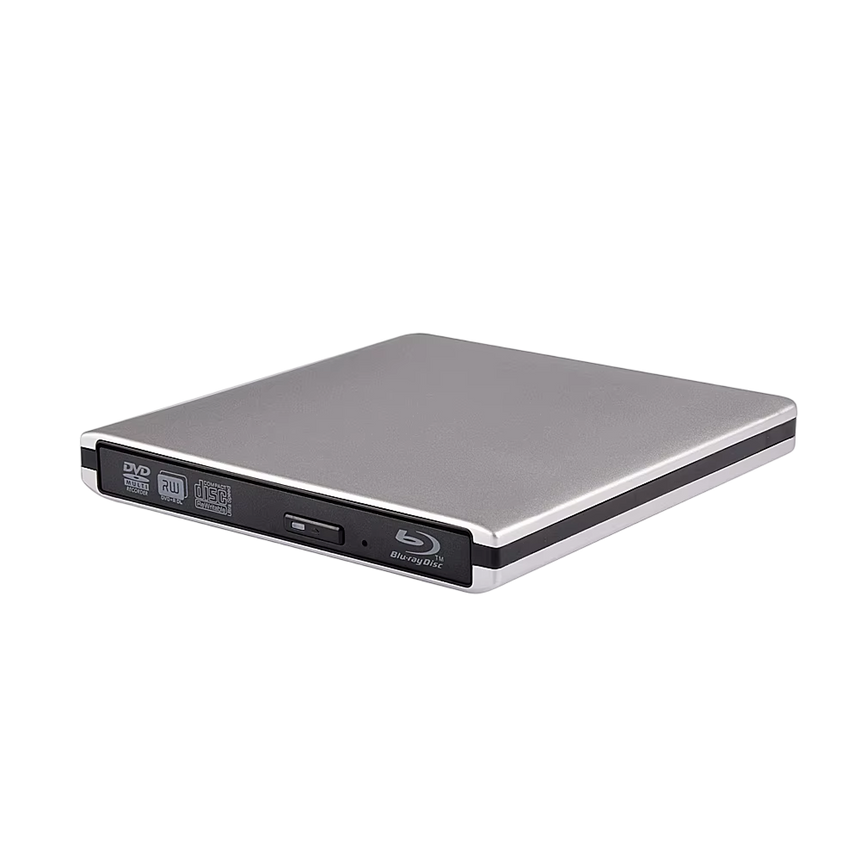
Slim Aluminum Construction
A brushed aluminum shell keeps LumiDisc Pro light enough to toss in a laptop bag without a second thought. The build is rigid enough for daily use yet refined enough for any desk setup.
What our 17,000+ Customers say
Based On Real and Honest Experiences
Frequently Asked Questions
Will LumiDisc Pro work with my MacBook Pro or MacBook Air?
Yes, completely. LumiDisc Pro is fully compatible with all MacBook models and macOS versions. Plug in via USB or Type-C and it's ready to use — no additional software installation required.
Can I watch 3D Blu-ray movies on my laptop?
LumiDisc Pro reads 3D Blu-ray discs without any issues. To see the 3D effect, your display and playback software need to support it. On standard screens, content plays back in stunning standard HD.
What's the real-world difference between USB 2.0, 3.0, and Type-C?
Type-C delivers 100% of LumiDisc Pro's speed potential. USB 3.0 runs at roughly 86% and USB 2.0 around 40%. For the fastest burns and reads, use Type-C whenever your device has the port.
Can LumiDisc Pro burn content to blank Blu-ray discs?
Absolutely. LumiDisc Pro supports BD-R burning at 6X speed, letting you archive files, create media backups, or store large projects on Blu-ray discs with consistent, high-quality results every time.
What about region-locked Blu-rays or DVDs?
Region handling is managed by your computer's playback software and system region settings, not the drive hardware itself. LumiDisc Pro reads whatever discs your installed software is configured to support.
Does it need a power adapter or external batteries?
No adapters, no batteries — LumiDisc Pro draws all the power it needs directly from your USB or Type-C port. One cable is all it takes, which makes it genuinely travel-friendly and hassle-free.
Can I use LumiDisc Pro to install an operating system?
Yes. LumiDisc Pro reliably reads bootable discs, making it a solid choice for installing Windows, macOS, Linux, or running system recovery operations on machines without built-in optical drives.
How easy is it to carry LumiDisc Pro when traveling?
Very easy. The slim aluminum body and lightweight build slip into any laptop sleeve or backpack pocket without adding noticeable bulk. It's designed to be a go-everywhere companion for work and entertainment.