Built for the Movies You Actually Own
Universal System Compatibility
LumiDisc Pro pairs instantly with any Mac or Windows — no drivers, no setup. Works from a decade-old iMac to the latest ultrabook.
Disc Quality Streaming Cannot Match
Discs run at up to 100Mbps, over 4x any streaming service. LumiDisc Pro delivers what directors intended: sharper detail, truer color, zero buffering.
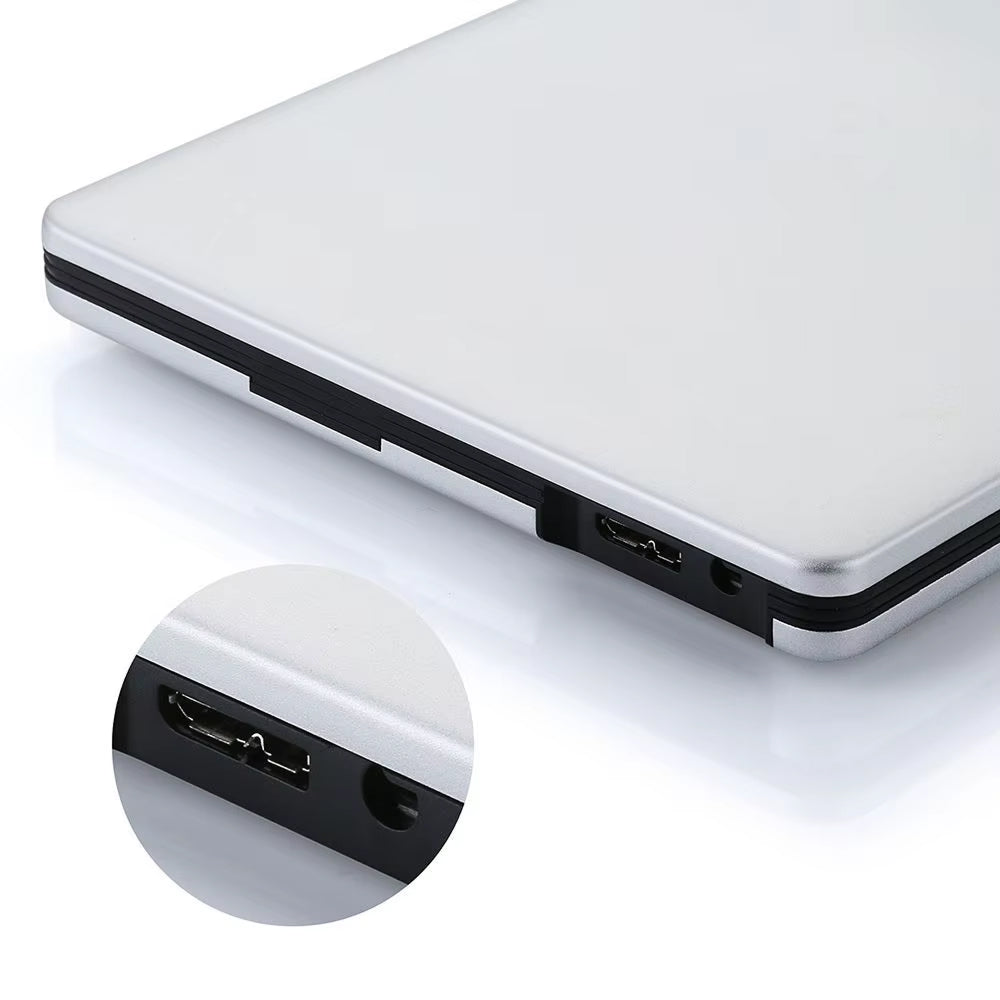
Triple-Cable Connectivity
Every cable you could need ships in the box — Type-C, USB 3.0, or USB 2.0. LumiDisc Pro adapts to whatever port your laptop or desktop offers.
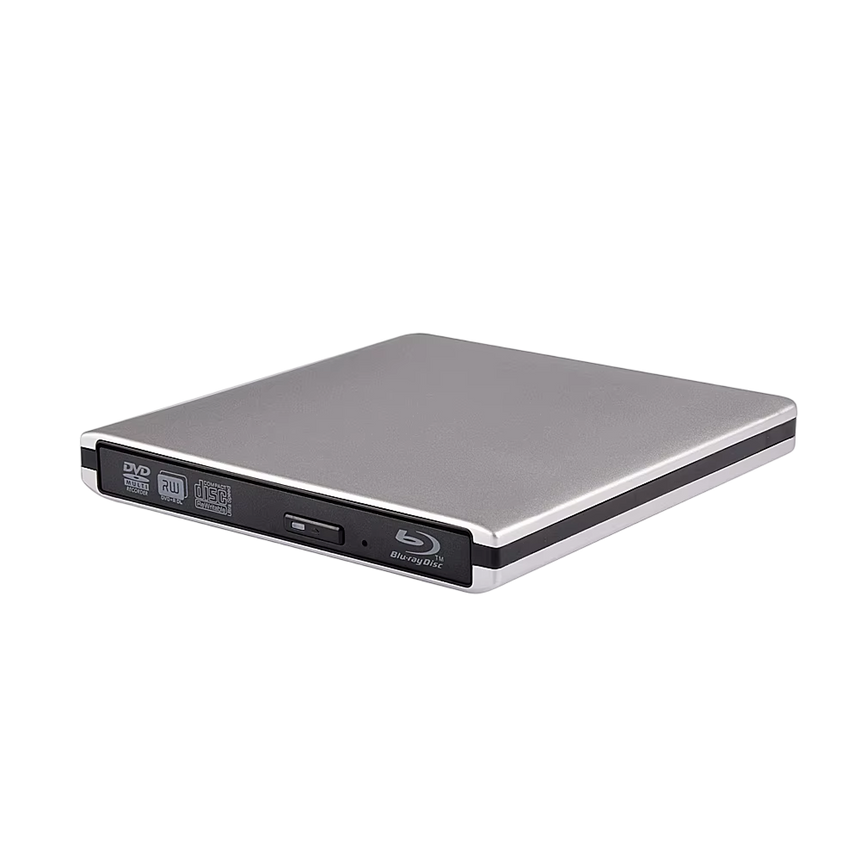
Slim Aluminum Construction
A brushed aluminum shell keeps LumiDisc Pro light enough for any laptop bag. Rigid enough for daily use, refined enough for any desk setup.
What our 17,000+ Customers say
Based On Real and Honest Experiences
Frequently Asked Questions
Will LumiDisc Pro work with my MacBook Pro or MacBook Air?
Yes, completely. LumiDisc Pro is fully compatible with all MacBook models and macOS versions. Plug in via USB or Type-C and it's ready to use — no additional software installation required.
Can I watch 3D Blu-ray movies on my laptop?
LumiDisc Pro reads 3D Blu-ray discs without any issues. To see the 3D effect, your display and playback software need to support it. On standard screens, content plays back in stunning standard HD.
What's the real-world difference between USB 2.0, 3.0, and Type-C?
Type-C delivers 100% of LumiDisc Pro's speed potential. USB 3.0 runs at roughly 86% and USB 2.0 around 40%. For the fastest burns and reads, use Type-C whenever your device has the port.
Can LumiDisc Pro burn content to blank Blu-ray discs?
Absolutely. LumiDisc Pro supports BD-R burning at 6X speed, letting you archive files, create media backups, or store large projects on Blu-ray discs with consistent, high-quality results every time.
What about region-locked Blu-rays or DVDs?
Region handling is managed by your computer's playback software and system region settings, not the drive hardware itself. LumiDisc Pro reads whatever discs your installed software is configured to support.
Does it need a power adapter or external batteries?
No adapters, no batteries — LumiDisc Pro draws all the power it needs directly from your USB or Type-C port. One cable is all it takes, which makes it genuinely travel-friendly and hassle-free.
How long will the laser last before it stops reading discs?
LumiDisc Pro uses a precision optical mechanism built for heavy daily use. Unlike budget drives that fail with read errors in 12-18 months, the laser is designed to reliably read Blu-ray, DVD, and CD for years of consistent performance.
Is buying a disc drive still worth it in 2026 when everything's on streaming?
4K Blu-ray sales grew 12% in 2025 while streaming catalogs shrink and bills top $50 per month. With LumiDisc Pro, every disc you own plays in full quality forever — no buffering, no titles disappearing overnight, no monthly fee.