


After six months with InkSync Pro, I can't imagine going back to paper. It replaced my whole stack of meeting notebooks and the battery lasts forever. No subscription needed either.
Derek R.Verified Buyer

Order today and it ships by -
Couldn't load pickup availability

We offer free shipping for all orders. Once your item/s is dispatched,
the estimated delivery time is:
- USA: 2-9 business days
- UK: 5-13 business days
- Australia: 5-13 business days
- Canada: 2-12 business days
- Europe: 5-13 business days
You have 90 days to return your product for a full refund (return shipping is covered by the customer; defective items ship a free replacement).
This product is not available on Amazon or eBay. You are purchasing directly from the only authorized seller — which means full warranty, verified authenticity, and dedicated customer support. Beware of counterfeit listings on third-party marketplaces.


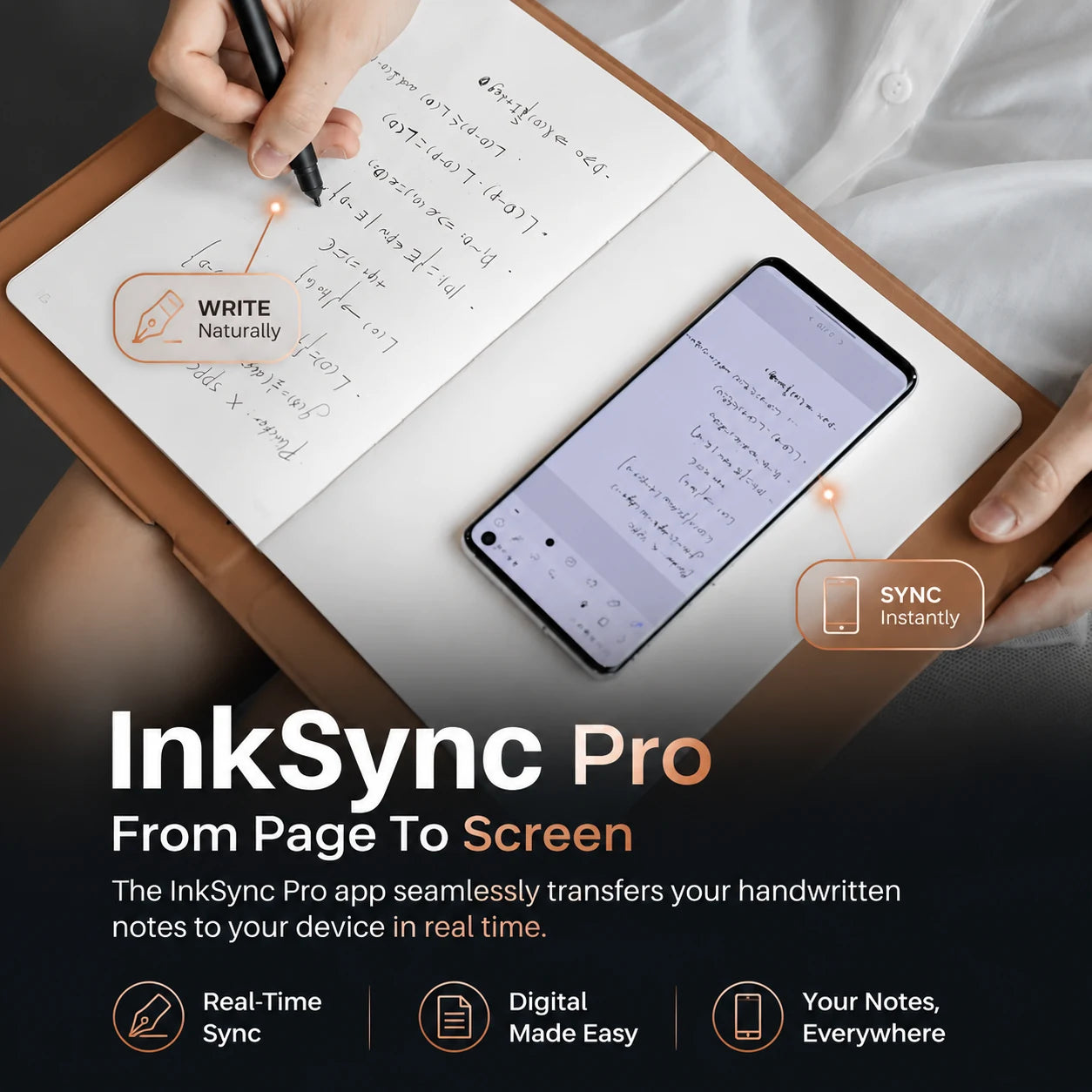


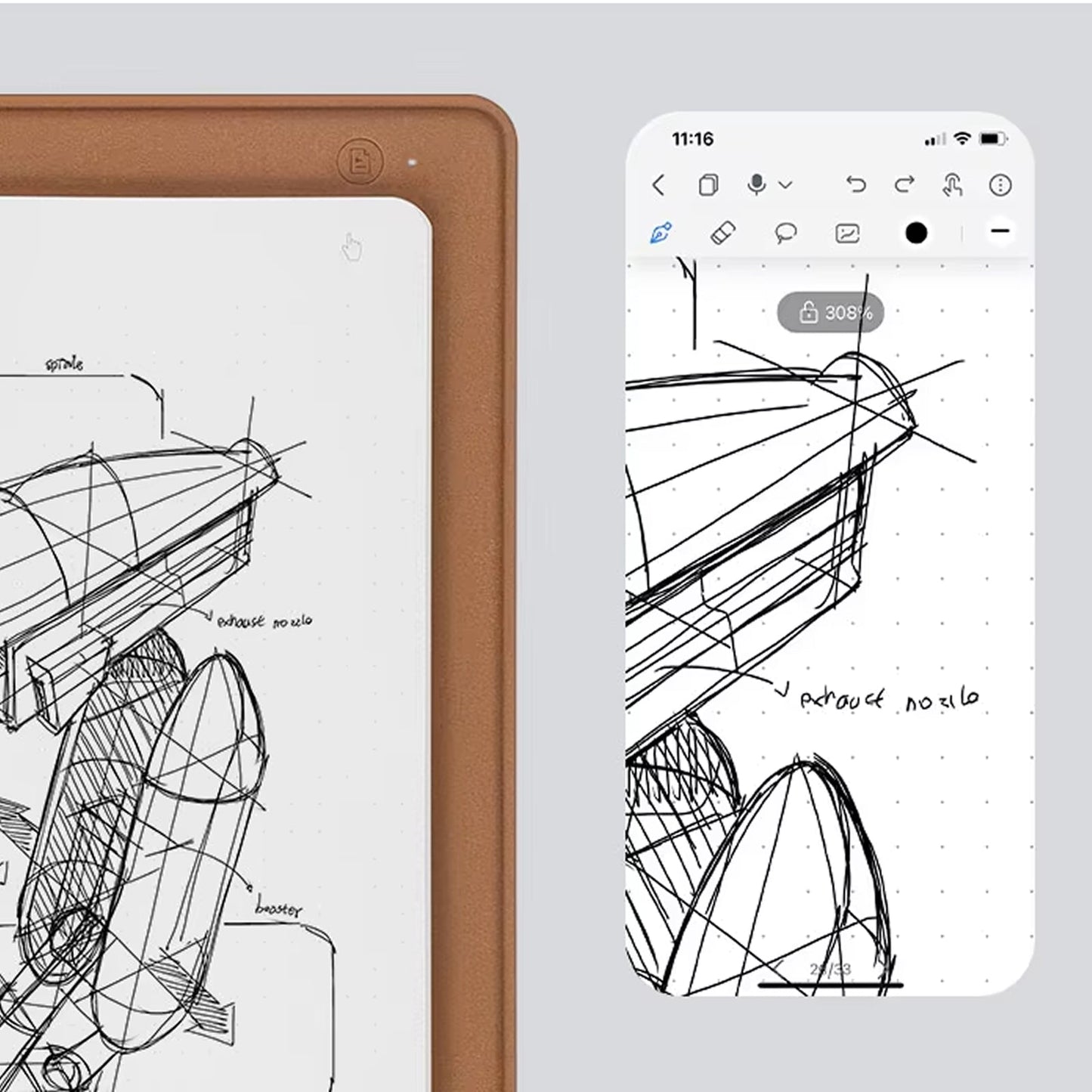


Every stroke lands at 0.01mm precision, capturing real pen-on-paper feel your creative flow never has to pause for.
No Wi-Fi? No phone battery? No problem. Capture up to 50 pages offline and sync everything automatically once you reconnect. Works with any A5 notebook under 10mm thick.

Record lectures or meetings while you write. Tap any line in the app to hear precisely what was being said at that moment — context you can revisit weeks later.
Search, sync, and organize your notes fully out of the box, no monthly fee unlocks any feature here.
Based On Real and Honest Experiences
After six months with InkSync Pro, I can't imagine going back to paper. It replaced my whole stack of meeting notebooks and the battery lasts forever. No subscription needed either.

InkSync Pro feels like writing on a fresh notebook every single day, even a year in. I'm password protected and fully searchable, best purchase I've made in years as a daily journaler.

I sold my old tablet after switching to InkSync Pro. The writing feel is amazing and the pen is perfect, but the real win is I finally use it every single day instead of it collecting dust.


 +347 experts reviewed it
as the best choice in 2026
+347 experts reviewed it
as the best choice in 2026

Ready to make it yours?
Get InkSync Pro at today's price with your free gift included — and a full 90 days to enjoy it.
 Your free gift: Blue Light Glasses
FREE
Your free gift: Blue Light Glasses
FREE