Built for the Way Your Body Actually Works
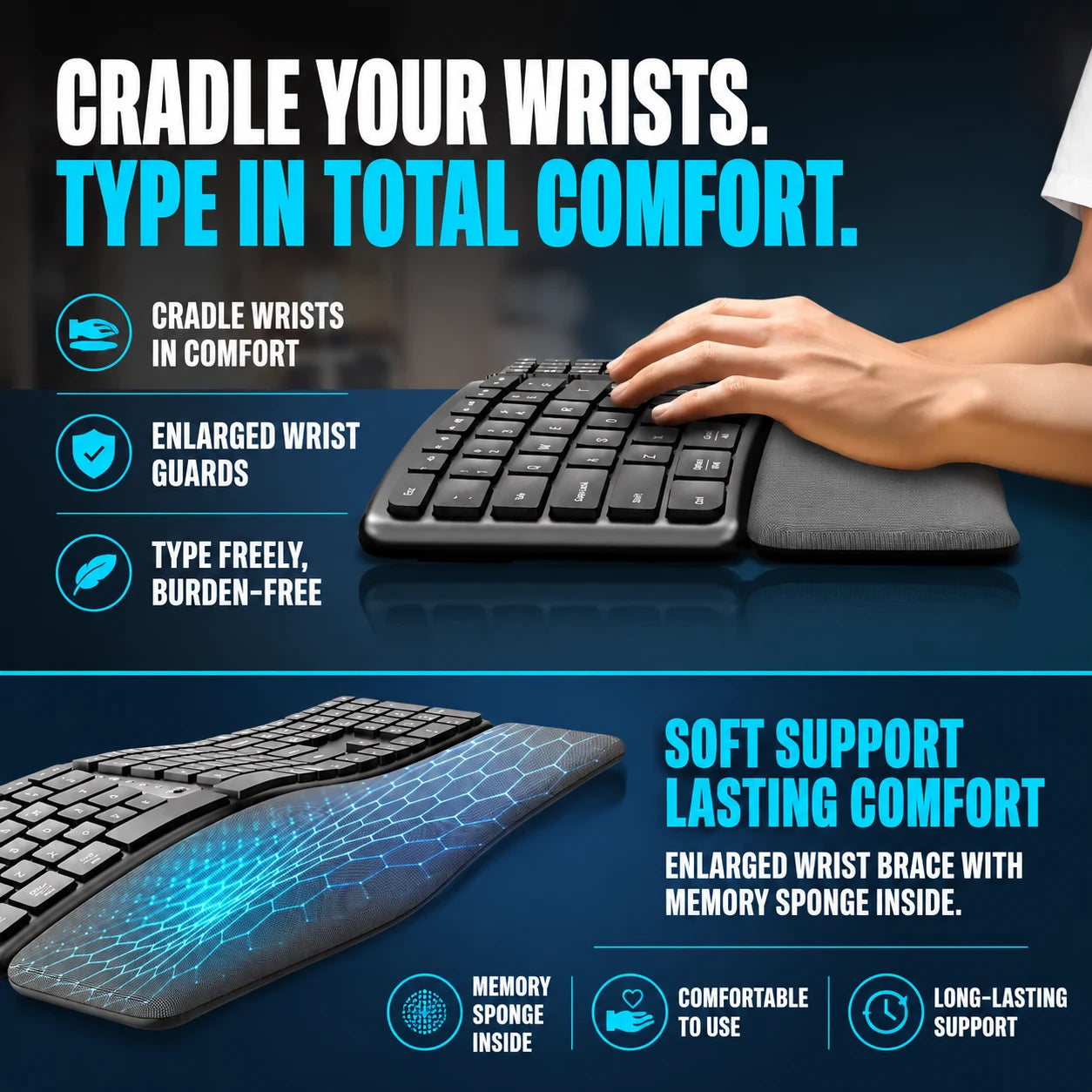
Integrated Wrist Support
The contoured memory foam palm rest cradles your wrists throughout every session, eliminating pressure-point buildup. It holds its supportive shape shift after shift, day after day.
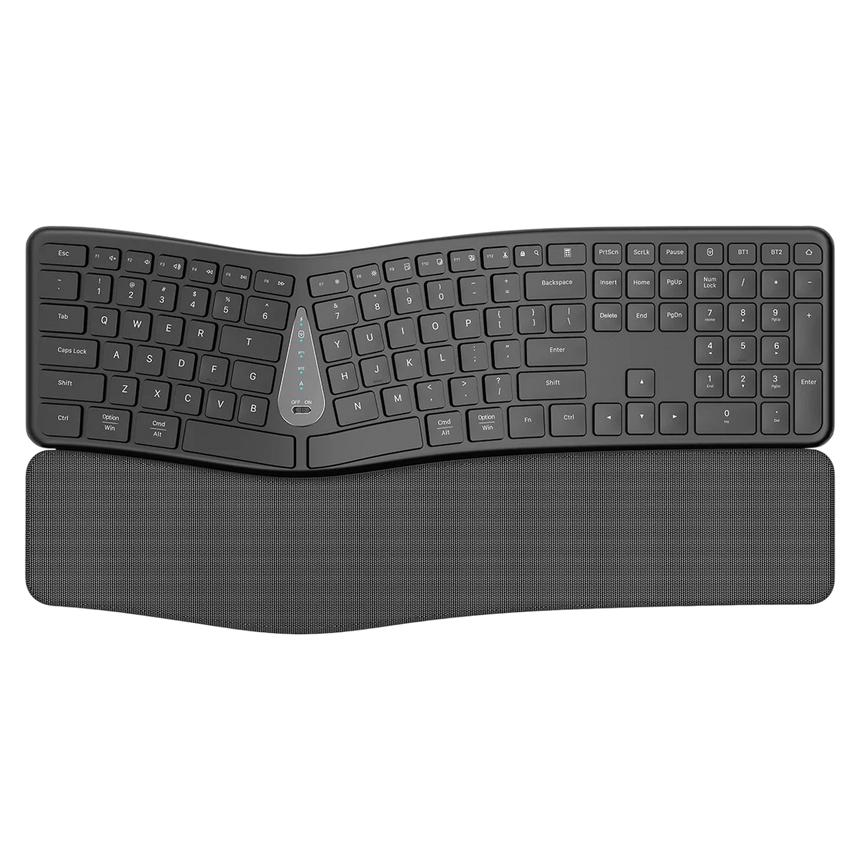
Triple-Device Connectivity
Pair two computers via Bluetooth and a third via 2.4G wireless — all active simultaneously. One dedicated key toggles between them instantly, keeping your momentum unbroken.
Curved Ergonomic Frame
FlexAxis follows the natural arc of your hands so your fingers land at the ideal angle on every key. Months of daily use become noticeably easier on your muscles and joints.
Zero-Lag 2.4G Wireless
The plug-and-play USB receiver delivers a rock-solid wireless signal with no perceptible delay. Works across all major operating systems straight out of the box.
What our 17,000+ Customers say
Based On Real and Honest Experiences
Frequently Asked Questions
How long does the battery last on a single charge?
You'll get up to 30 days of typical daily use before needing to recharge. And when the time comes, you can keep typing while it charges via the included USB cable — zero downtime.
Can I use FlexAxis with multiple Apple devices at once?
Absolutely. FlexAxis pairs with your MacBook and iPad at the same time. Just tap the assigned toggle key to hop between them — switching is instant and completely lag-free.
Is the palm rest removable for cleaning?
The palm rest is built directly into the frame to ensure your wrists stay at the correct ergonomic angle every time you sit down. This integrated design also means it won't shift or slide during use.
How do I switch between my paired devices?
FlexAxis has dedicated shortcut keys for each connection — Bluetooth 1, Bluetooth 2, and 2.4G. Press the matching key and the switch happens immediately, no menus, no delays.
Will the curved layout take long to get used to?
Most people feel at home within a few typing sessions. The curve mirrors your body's natural resting position, so it quickly starts to feel far more intuitive than a traditional flat keyboard.
What is the practical difference between Bluetooth and 2.4G on this keyboard?
2.4G uses the included USB receiver for a dedicated, ultra-reliable link — great for your primary workstation. Bluetooth connects wirelessly without occupying a USB port, ideal for tablets or secondary laptops.
How durable are the keycaps under heavy daily typing?
The tactile chocolate-style keycaps are engineered for sustained heavy use. They retain their satisfying, responsive feel even after millions of keystrokes, making them a solid choice for power users and developers alike.
How will I know when the battery needs charging?
The refined metal indicator module has a low-battery light that alerts you well before power runs out. Simply connect the USB cable and carry on typing while FlexAxis recharges in the background.