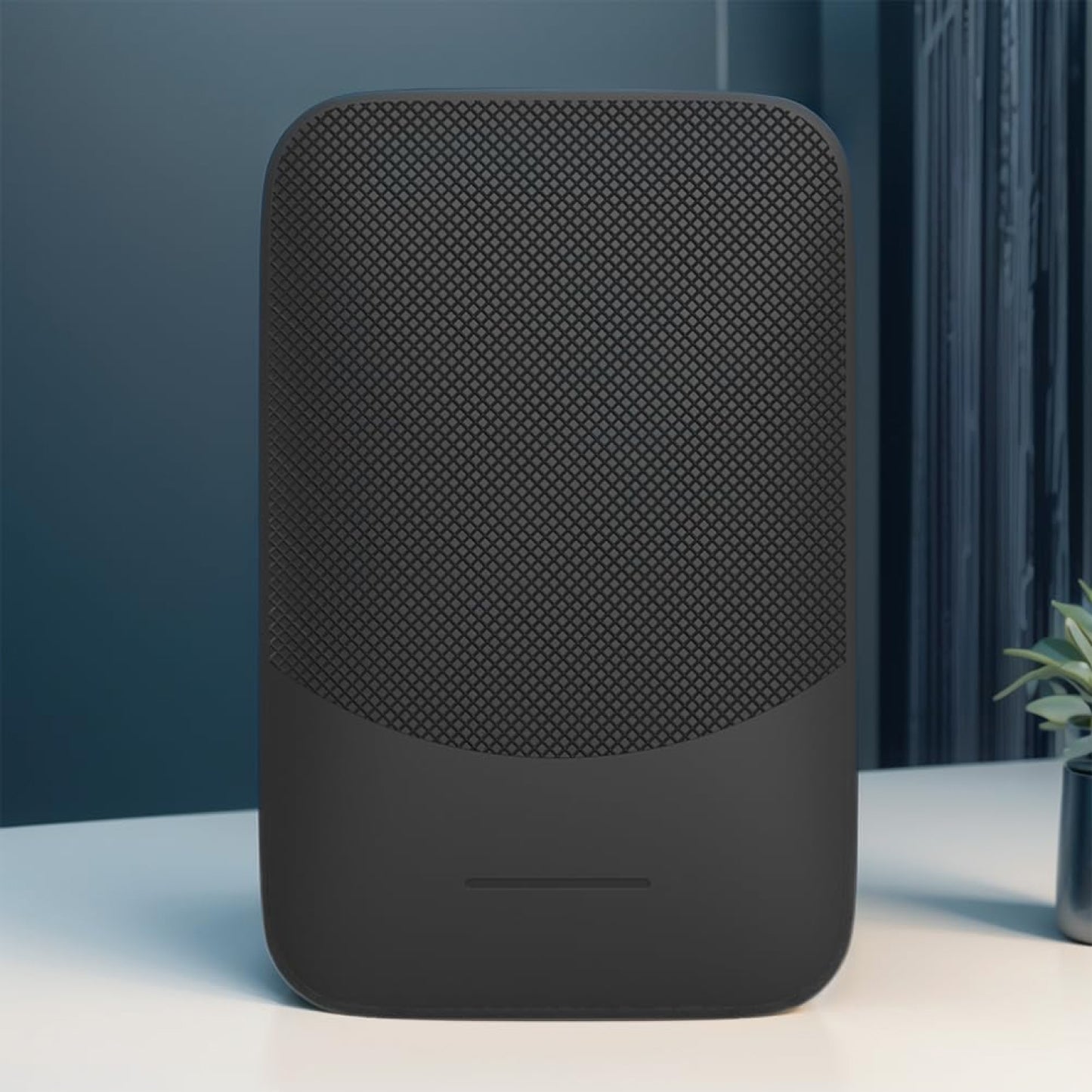
Built for Daily Reliability, Not Just First Use
Saves Your iPhone Port and Battery
Constant wired heat kills battery health — DriveLink Pro removes the cable permanently, keeping your iPhone cool every commute.
Works With Your Specific Car
DriveLink Pro covers virtually all 2015+ vehicles with factory wired CarPlay — sedans, SUVs, and trucks across every major brand and model year.
One Plug and You Are Done
There's no configuration wizard, no software to download, and no learning curve. Plug DriveLink Pro into your USB port once and you're up and running before you leave the driveway.
Stays Compatible as Cars Change
Over-the-air firmware updates keep DriveLink Pro working through iPhone OS upgrades and infotainment software changes — no manual action required.
What our 17,000+ Customers say
Based On Real and Honest Experiences
Frequently Asked Questions
Will DriveLink Pro work with my car?
If your car supports wired Apple CarPlay, DriveLink Pro will work with it. The config dashboard lets you adjust vehicle-specific settings for finicky makes — Hyundai, Kia, Ford Sync, and Mazda are all covered with the right tuning.
Will wireless CarPlay drain my iPhone battery faster?
Wired CarPlay generates heat from simultaneous charging and data — one commuter dropped from 100% to 87% battery health in 6 months of daily driving. DriveLink Pro removes that heat cycle, preserving your port and battery long-term.
Can more than one person use DriveLink Pro in the same car?
Yes. DriveLink Pro supports multiple paired iPhones so family members or co-drivers reconnect automatically without Bluetooth toggles or resets. Each device profile is saved independently, so there is no fighting over priority when you share the car.
Is there noticeable lag in navigation or music?
DriveLink Pro uses a dedicated 5GHz WiFi channel, not the crowded 2.4GHz band, for sub-1-second touch response in timed tests. Kia and Honda owners consistently report no perceptible latency difference versus wired for maps, audio, and Siri commands.
How do I update the firmware or fix a compatibility issue?
DriveLink Pro includes a built-in config web page. Connect to its WiFi network, open the config address in any browser, and you can flash new firmware and adjust vehicle-specific settings without any technical knowledge or tools.
Why do some wireless CarPlay adapters fail after a few months?
Budget adapters use cheap chipsets that overheat, have no firmware update path, and cannot adjust for car-specific quirks. DriveLink Pro ships with updateable firmware and a config dashboard — users report 12 to 24 months of daily use without resets.
How long does it take to connect when I start the car?
After the one-time Bluetooth pairing, DriveLink Pro reconnects in 8 to 15 seconds in real-world timed tests. Most users experience it fully live before they have finished adjusting mirrors or buckling in.
What if DriveLink Pro stops connecting automatically?
First check that your USB port carries data, not only power. If drops continue, open DriveLink Pro config to adjust reconnect delay and vehicle priority — this fixes the intermittent issues common on Ford Sync, Hyundai, and Kia systems.