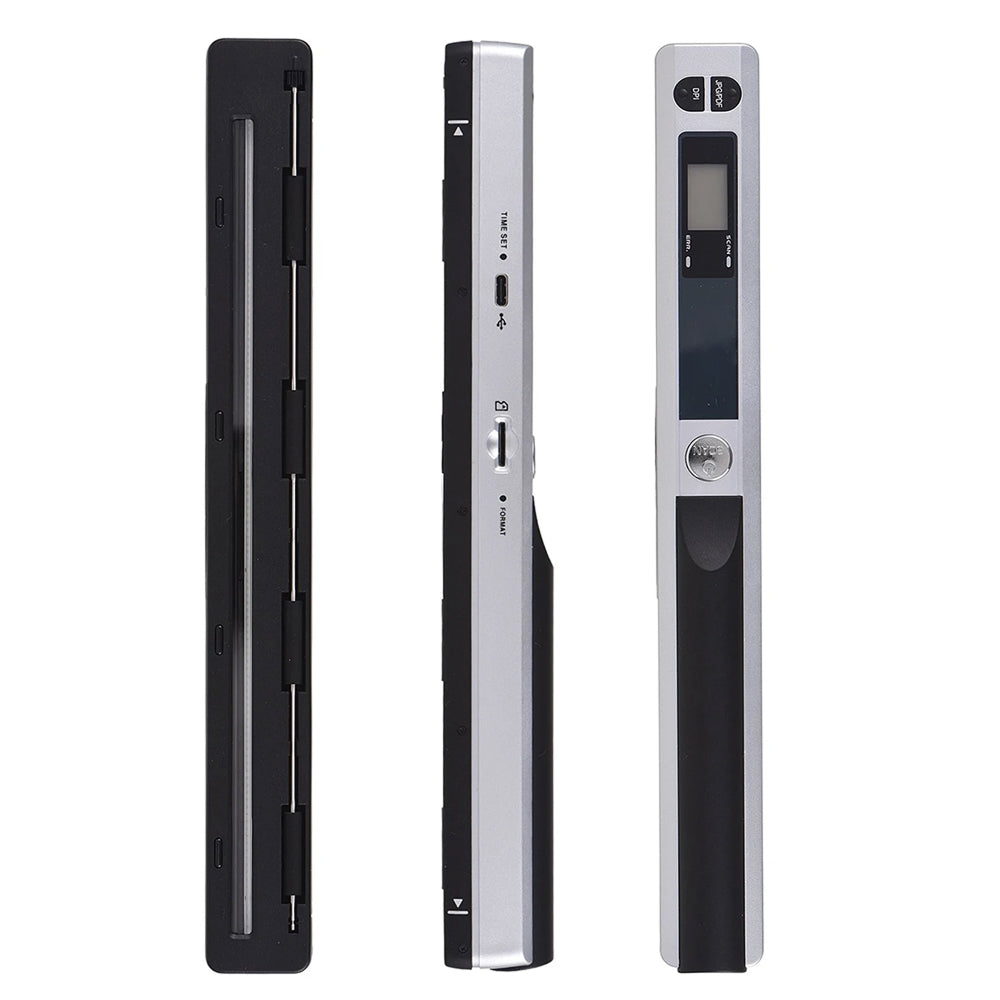
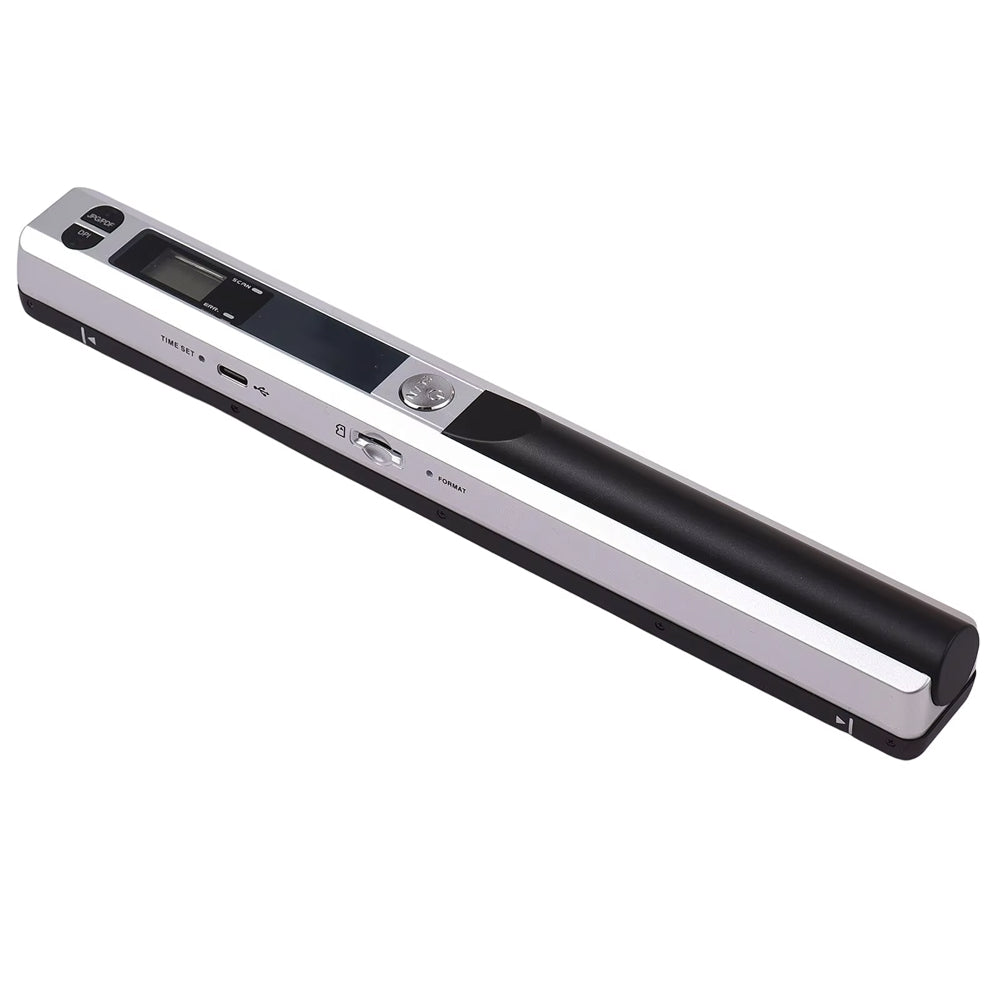
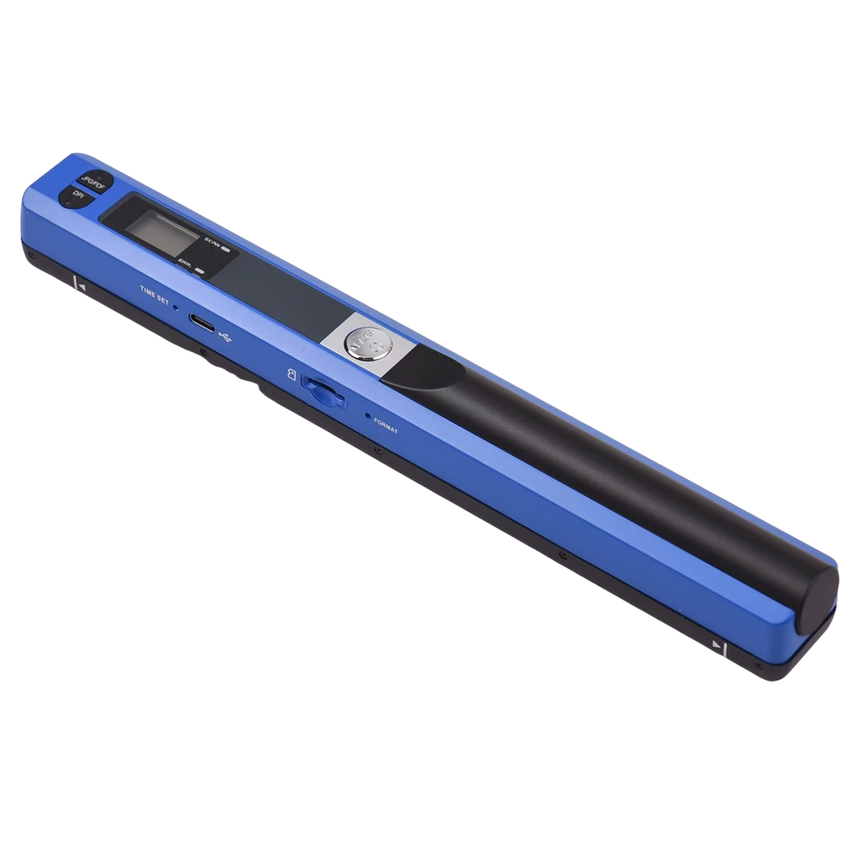
Why DocuFlash Makes Paperwork Simple
Auto-Power-Off Saves Battery
Portable scanners often die mid-stack after a few dozen pages. DocuFlash's auto power-off after three idle minutes helps stretch each charge further.
Crystal-Clear 900 DPI Imaging
Phone photos wash out and skew under bad lighting. DocuFlash's sensor holds sharp detail up to 900 DPI for contracts, receipts, and archival records.
No Drivers, No Software Hassles
Skip the driver hunt and buggy companion apps other scanners force on you. Plug into USB and start scanning immediately on Windows or Mac.
Flexible File Formats
Save every scan as a JPG or PDF to match any workflow. Drop files straight into the document system you already use.
What our 17,000+ Customers say
Based On Real and Honest Experiences
Frequently Asked Questions
Is it durable enough for frequent travel?
DocuFlash is built as dedicated scanning hardware rather than a converted gadget, with a simple feed-and-capture design and fewer moving parts than wand-style scanners, so it holds up to regular use for travel and everyday paperwork.
What file formats does it support?
You can save every scan as a JPG or PDF, so it slots into whatever workflow, folder system, or software you already use for taxes or records.
Does DocuFlash work with both Mac and Windows?
Yes. DocuFlash connects by USB and works with both Windows and Mac computers with no extra software or drivers to install, so you can start scanning right away.
How many documents can I store?
With support for microSD cards up to 32GB, DocuFlash can hold thousands of scanned pages at once, so your entire backlog of receipts and paperwork fits on one small card.
What resolution settings can I choose?
Pick 300, 600, or 900 DPI depending on the job. 600 DPI is the sweet spot for everyday receipts and text, while 900 DPI adds extra detail for archival or fine-print documents.
How long does the battery last?
Battery life depends on resolution and how often you scan, and auto power-off after three idle minutes helps you avoid losing charge between uses. Using 300 or 600 DPI instead of 900 DPI also helps you get more scans per charge.
Do I need a computer to use it?
No. DocuFlash saves scans directly to a microSD card, so you can capture receipts and documents on the go and transfer them to your computer whenever it's convenient.
Can it scan receipts, IDs, and thick cards without jamming?
DocuFlash is designed for standard single sheets like receipts, letters, and A4 documents. For best results, flatten creased paper before feeding it through and avoid stacking multiple thick cards at once.