Built for Clarity. Engineered for Freedom.
A Cable-Free Workspace
Ditch the tangle for good and reclaim your space. ClearCast Pro's wireless core lets you rearrange any room without being anchored to a port.
Uninterrupted 50m Range
Broadcast from across a large conference hall or a sprawling classroom without a single dropout. The 5G transmission protocol holds strong at every meter.
Multi-Presenter Ready
Up to 8 transmitters can share one receiver, so your team switches the floor without ever reaching for a cable. Collaboration at the speed of ideas.
Zero-Effort Setup
No IT ticket needed. Plug in, power up, and ClearCast Pro handles the rest — fully synced and streaming in half a minute, every single time.
What our 17,000+ Customers say
Based On Real and Honest Experiences
Frequently Asked Questions
Does ClearCast Pro work with my Xbox or PlayStation?
Absolutely. ClearCast Pro pairs seamlessly with Xbox, PlayStation, Nintendo Switch, and any other HDMI-enabled console. Just plug in and play — wirelessly, with no perceptible delay.
How far away can I be and still get a clean signal?
You can place the transmitter up to 50 meters (164 feet) from the receiver and still enjoy a rock-solid stream. That covers most homes, open offices, and mid-size conference rooms with ease.
Will I notice any lag when streaming 4K content?
No. ClearCast Pro leverages advanced 5G transmission to deliver real-time 4K 60Hz video. Whether you're gaming, presenting, or watching content, the picture stays smooth and responsive.
Can multiple people share the same receiver at once?
Yes — the system supports up to 8 paired transmitters per receiver. Each presenter can take the floor instantly without any cable-swapping, keeping meetings moving at full speed.
Do I need to install software or download an app?
Not at all. ClearCast Pro is fully plug-and-play. Power both units on and they sync automatically in about 30 seconds — no apps, no drivers, no settings to touch.
Is it compatible with my MacBook or Windows laptop?
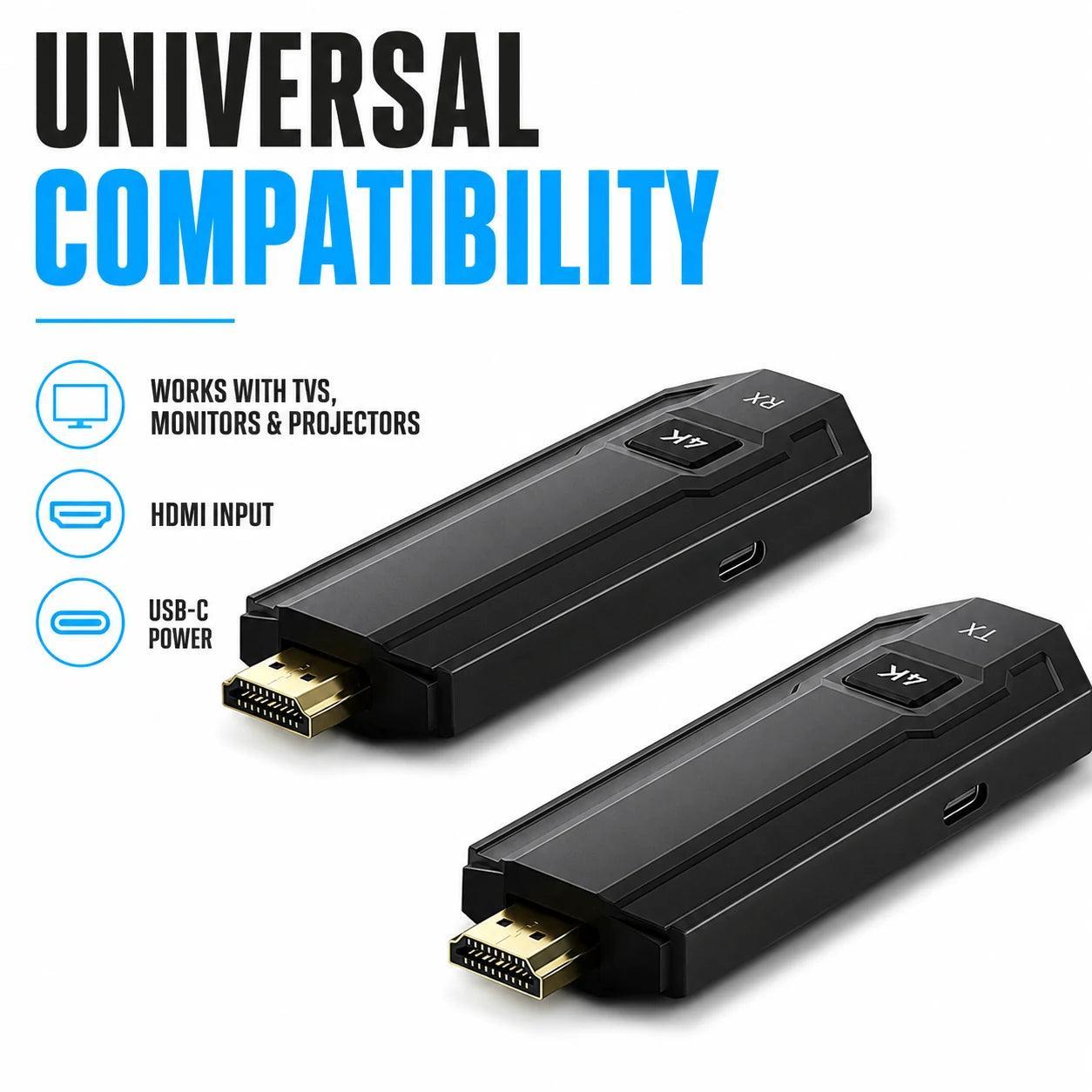
Yes. ClearCast Pro works across Mac, Windows, tablets, smartphones, cameras, and any device with HDMI output. One device, universal reach.
What is the difference between mirror mode and extend mode?
Mirror mode sends an exact copy of your screen to the display — great for presentations. Extend mode turns the second screen into extra desktop real estate, ideal for multitasking and productivity workflows.
How long does the first-time setup actually take?
About 30 seconds from box to broadcast. Connect each unit to its device, power them on, and ClearCast Pro handles pairing automatically. There is nothing to configure manually.