


I was tired of being the only one who knew what was happening in our house. Since we set up ChronoNest, everyone checks the screen instead of asking me. My mornings are so much calmer now.
Sarah M.Verified Buyer

Order today and it ships by -
Couldn't load pickup availability

We offer free shipping for all orders. Once your item/s is dispatched,
the estimated delivery time is:
- USA: 2-9 business days
- UK: 5-13 business days
- Australia: 5-13 business days
- Canada: 2-12 business days
- Europe: 5-13 business days
You have 90 days to return your product for a full refund (return shipping is covered by the customer; defective items ship a free replacement).
This product is not available on Amazon or eBay. You are purchasing directly from the only authorized seller — which means full warranty, verified authenticity, and dedicated customer support. Beware of counterfeit listings on third-party marketplaces.


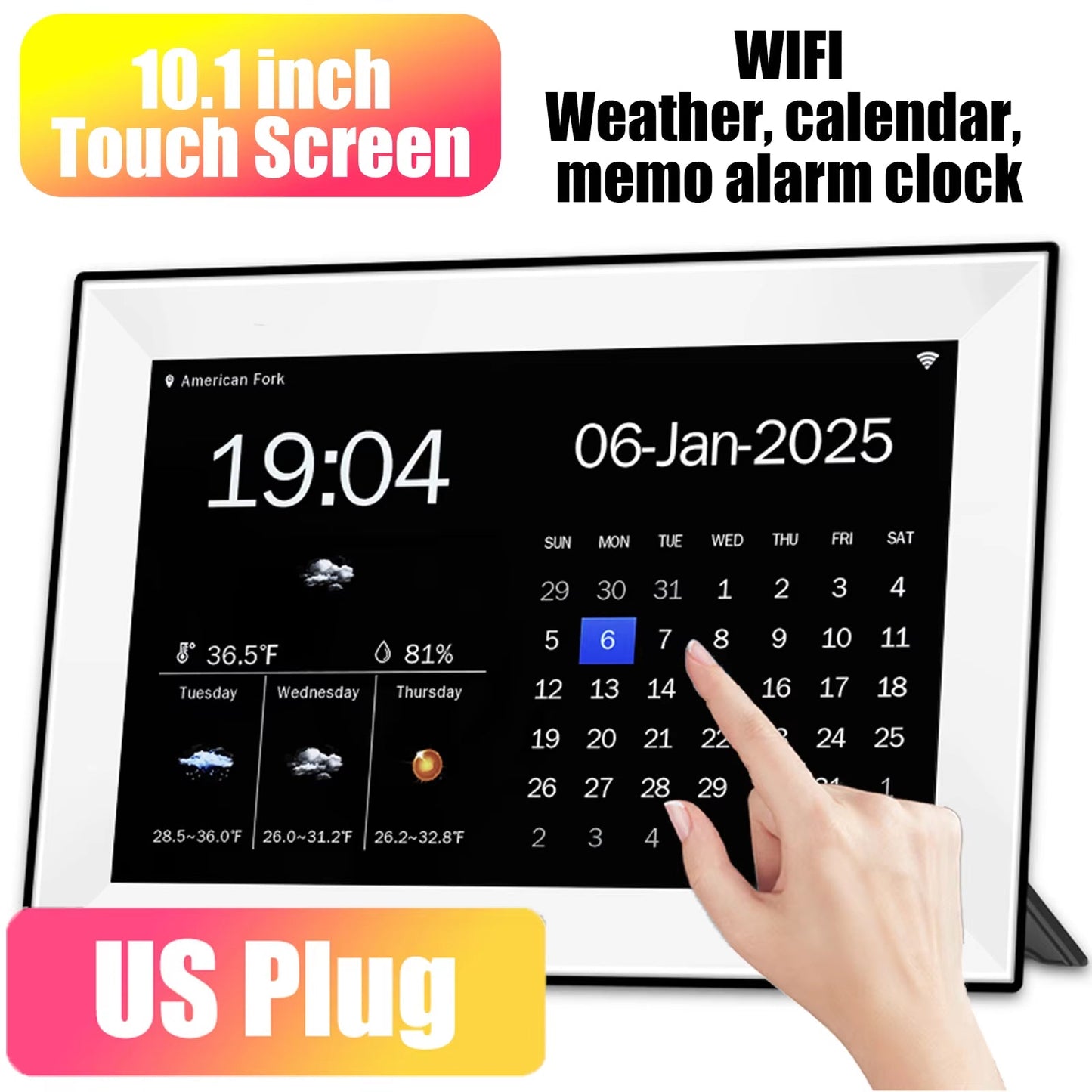


The touchscreen is simple enough for kids and grandparents alike. Everyone can add their own alarms and memos right on the screen.
Plan ahead with a full week of forecasts, including temperature, humidity, and air quality. Your family knows what to expect before heading out.
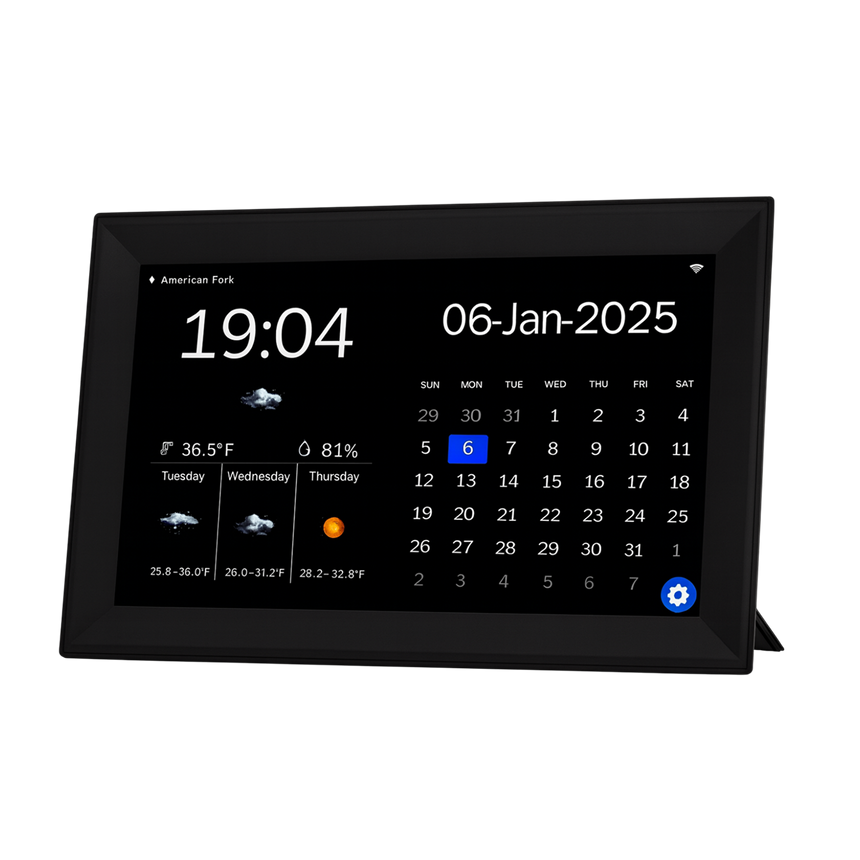
Set unlimited personalized alarms and memos for every family member. Birthdays, appointments, and chores never slip through the cracks again.
Choose from 10 display languages, including English, Spanish, French, and German. Everyone can read it in a language they're comfortable with.
Based On Real and Honest Experiences
I was tired of being the only one who knew what was happening in our house. Since we set up ChronoNest, everyone checks the screen instead of asking me. My mornings are so much calmer now.

I set up separate alarms for each of my three kids' after-school activities on ChronoNest, and pickup day is so much less chaotic now. The screen stays bright and easy to read even from across the kitchen.

I was skeptical about spending money on a digital calendar, but ChronoNest proved me wrong within a week. The automatic nighttime dimming and weekly weather forecast have become essential parts of our daily routine.


 +347 experts reviewed it
as the best choice in 2026
+347 experts reviewed it
as the best choice in 2026

Ready to make it yours?
Get ChronoNest at today's price with your free gift included — and a full 90 days to enjoy it.
 Your free gift: Cable Management Clips
FREE
Your free gift: Cable Management Clips
FREE