Built for Artists Who Refuse to Compromise
Studio-Grade Pressure Response
CanvaForge reads every subtle shift in hand pressure to produce strokes that feel completely organic. Vary line weight and opacity naturally, the way a real brush responds to your hand.
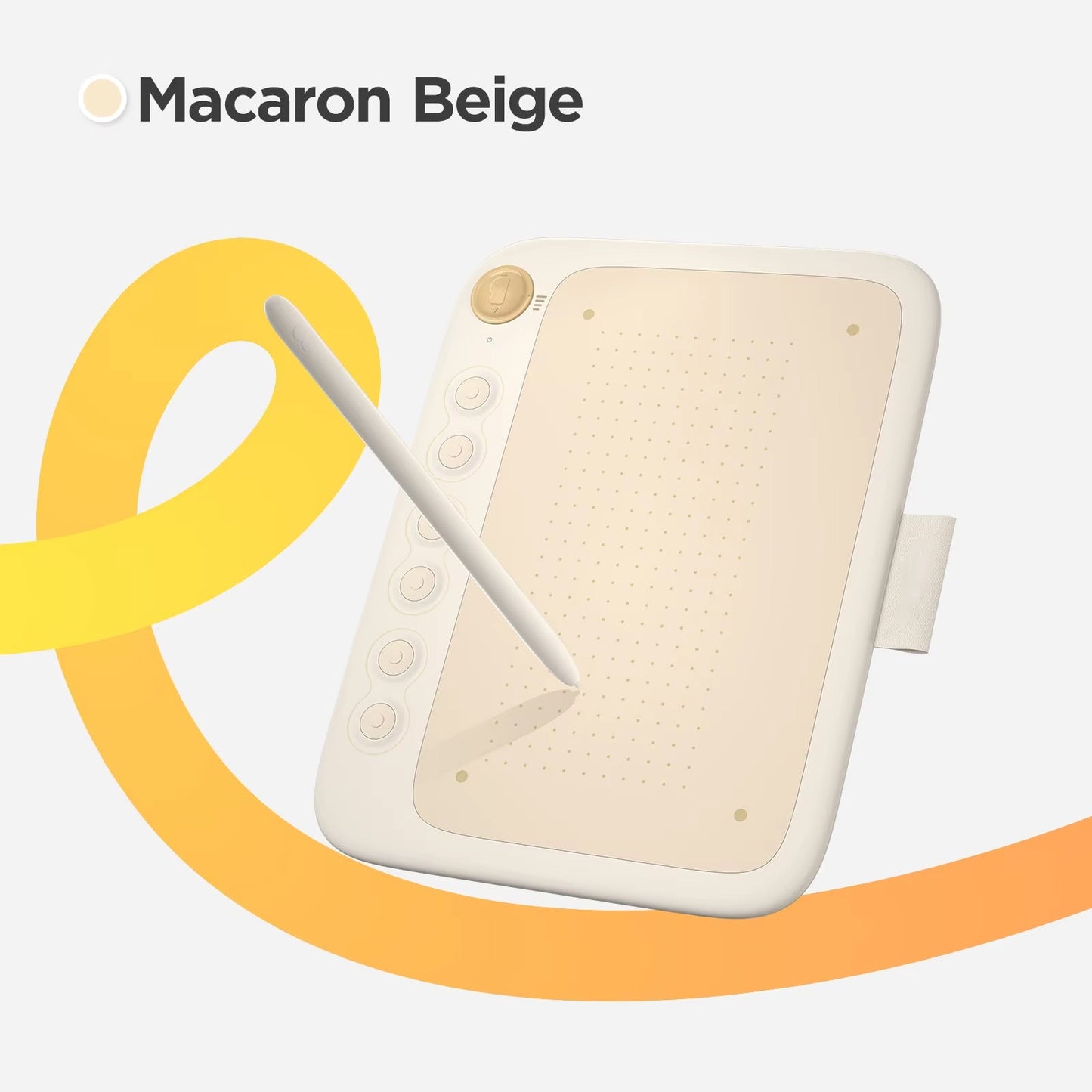
Six Programmable Express Keys
Assign your most critical commands to six whisper-quiet shortcut keys so your hands never leave the canvas. Your creative rhythm stays unbroken through even the longest sessions.
Universal Platform Support
Whether you run Photoshop on a Mac or Clip Studio Paint on Linux, CanvaForge slots right into your setup. No compatibility headaches — just seamless creative freedom across every platform.
Ambidextrous Ergonomic Build
Engineered for both left- and right-handed artists, CanvaForge keeps fatigue at bay during marathon drawing sessions. Premium materials ensure it holds up to daily professional use.
What our 17,000+ Customers say
Based On Real and Honest Experiences
Frequently Asked Questions
Which computers and operating systems does CanvaForge support?
CanvaForge is fully compatible with Windows, macOS, Chrome OS, and Linux. It works out of the box with leading creative software including Photoshop, Illustrator, and Clip Studio Paint — no workarounds needed.
How advanced is the pressure sensitivity on the stylus?
The stylus detects a wide range of pressure levels, translating every subtle shift into natural variation in line weight and opacity. The result feels closer to traditional media than anything in this class.
Can I reprogram the express keys to fit my personal workflow?
Every one of the six express keys is fully remappable. Assign any software command, tool toggle, or keyboard shortcut you use most — and update them any time your workflow changes.
Is CanvaForge a good fit for complete beginners?
Absolutely. The intuitive setup and minimal learning curve mean first-time digital artists can start producing work on day one. At the same time, the pro-grade feature set grows with you as your skills advance.
Does the pen need to be charged or have batteries replaced?
Not at all. The CanvaForge stylus runs on battery-free technology, so it's always charged and always ready. Pick it up whenever inspiration hits — zero downtime, zero maintenance.
How easy is it to carry CanvaForge around?
The tablet has a slim, lightweight profile that slides easily into any bag or backpack. Whether you're commuting to a studio or working from a café, CanvaForge travels as effortlessly as you do.
Will the drawing surface scratch or degrade over time?
The anti-glare drawing surface is engineered to handle intensive daily use. Scratch-resistant materials keep the texture consistent and smooth so your stroke quality never suffers, even after months of heavy work.
How many drawing modes does CanvaForge offer?
CanvaForge gives you four distinct drawing modes, so you can adapt the tablet's behavior to match your current project or preferred working style — from detailed illustration to fast gesture sketching.