


It's thin, light, and just works. I plugged my ByteHarbor into my MacBook Pro, no drivers, and was watching an old DVD within a minute. Wish I'd bought one the day I got this laptop.
Jessica R.Verified Buyer

Order today and it ships by -
Couldn't load pickup availability

We offer free shipping for all orders. Once your item/s is dispatched,
the estimated delivery time is:
- USA: 2-9 business days
- UK: 5-13 business days
- Australia: 5-13 business days
- Canada: 2-12 business days
- Europe: 5-13 business days
You have 90 days to return your product for a full refund (return shipping is covered by the customer; defective items ship a free replacement).
This product is not available on Amazon or eBay. You are purchasing directly from the only authorized seller — which means full warranty, verified authenticity, and dedicated customer support. Beware of counterfeit listings on third-party marketplaces.


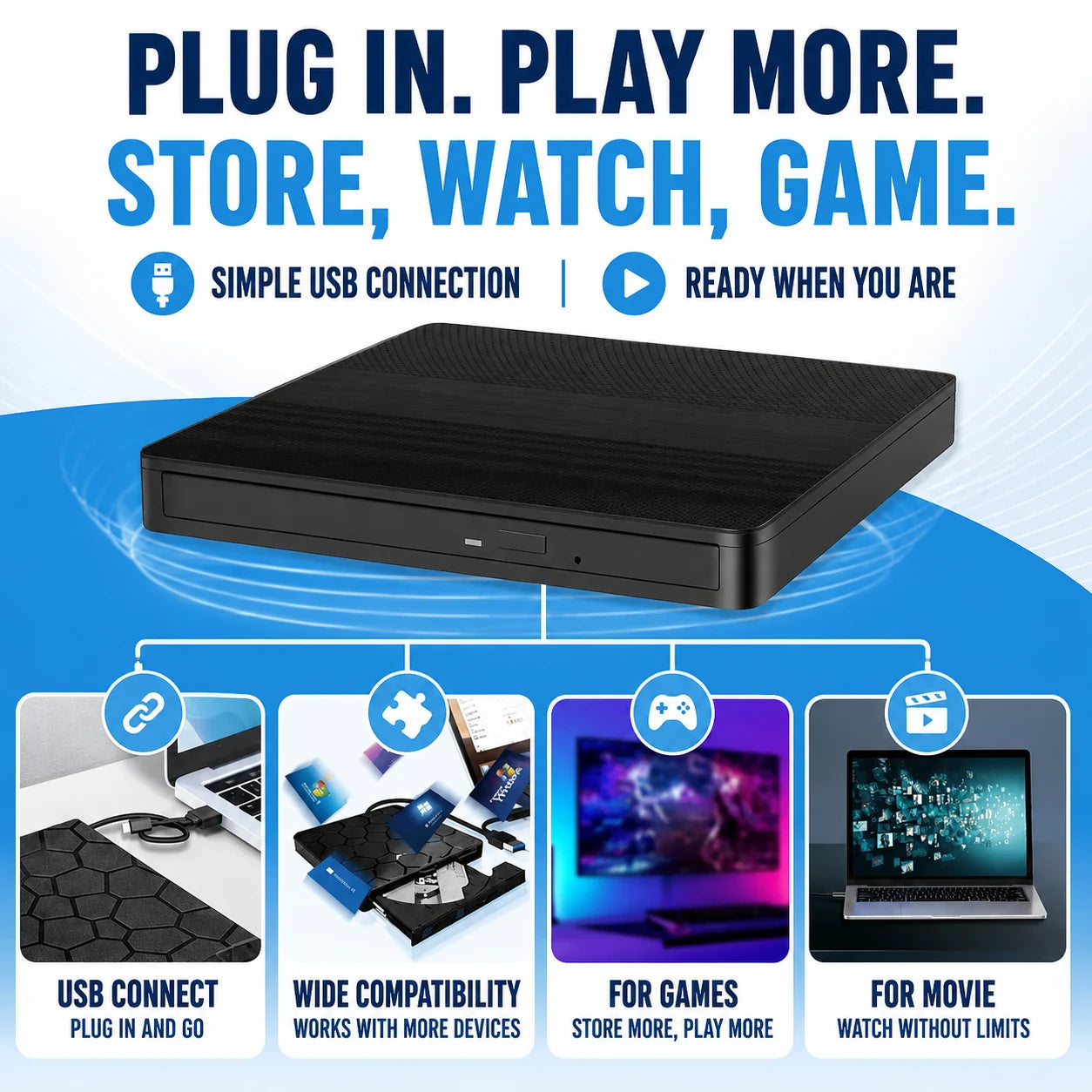


A precision laser with built-in error correction reads past scratches and dust that cause cheaper drives to stall or skip.
A standard USB controller lets Windows, Mac (including Apple Silicon), and Linux recognize the drive the moment you plug it in, no downloads required.

Efficient power delivery pulls steady current from your USB port, avoiding the spin-up failures that plague many budget drives.
At just 14 x 14 x 1.5cm, it slips into any bag with ease. Built-in cable storage keeps you travel-ready at all times.
Based On Real and Honest Experiences
It's thin, light, and just works. I plugged my ByteHarbor into my MacBook Pro, no drivers, and was watching an old DVD within a minute. Wish I'd bought one the day I got this laptop.

ByteHarbor was a lifesaver for our old family photo CDs from the 2000s. I ripped every disc without a single read error, and the drive is slim enough to toss in my laptop bag. Zero problems after weeks of regular use.

My old drive used to spin up and stop on certain discs until I got ByteHarbor. The included dual-head cable pulls extra power straight away, so it reads everything on the first try now. No more babysitting a USB port.


 +347 experts reviewed it
as the best choice in 2026
+347 experts reviewed it
as the best choice in 2026

Ready to make it yours?
Get ByteHarbor at today's price with your free gift included — and a full 90 days to enjoy it.
 Your free gift: Under-Desk Cable Management Kit
FREE
Your free gift: Under-Desk Cable Management Kit
FREE