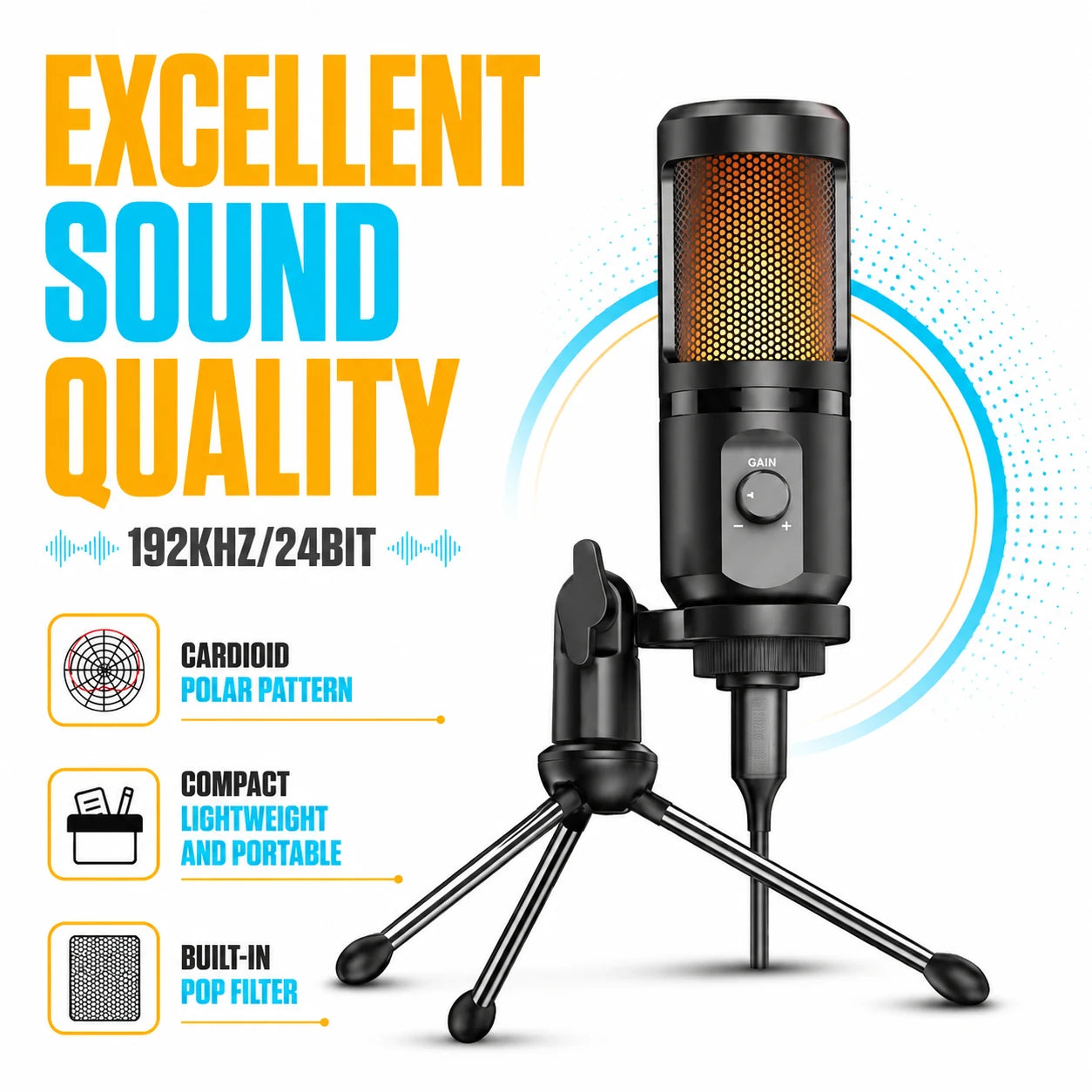
Everything Your Stream Deserves, Built Into One Microphone
Studio-Grade Audio Capture
AuraWave records at 192kHz/24bit resolution, the same standard used in professional studios. Every vocal nuance and in-game detail comes through with remarkable precision.
AI-Driven Noise Cancellation
Intelligent signal processing detects and removes ambient noise before it ever reaches your audience. Your voice stays front and center, whether you're in a quiet room or a busy household.
Instant Universal Compatibility
From PC and Mac to PlayStation, Xbox, and Nintendo Switch, AuraWave connects seamlessly with no setup friction. Your favorite streaming software recognizes it straight out of the box.
Vibrant RGB Customization
Choose from 7 dynamic lighting patterns to give your streaming desk a signature look. The RGB ring syncs with your aesthetic and turns your microphone into a visual centerpiece.
What our 17,000+ Customers say
Based On Real and Honest Experiences
Frequently Asked Questions
How exactly does the AI noise cancellation work?
AuraWave's onboard AI continuously analyzes your audio signal and separates your voice from background interference — keyboard clicks, fan noise, room echo — removing them before they reach your stream.
Will AuraWave work with my gaming console?
Absolutely. AuraWave is fully compatible with PlayStation, Xbox, and Nintendo Switch, as well as PC and Mac. One microphone covers your entire setup without adapters or workarounds.
What sets AuraWave apart from other streaming microphones?
The combination of 192kHz/24bit audio resolution, real-time AI noise filtering, and customizable RGB lighting in one durable package is rare at this price point. Most competitors offer one or two of these — AuraWave delivers all of them.
How do I change the RGB lighting patterns?
The optional companion software gives you full control over the RGB ring, letting you cycle through 7 unique patterns and color options. Setup takes under two minutes and no technical knowledge is needed.
Is AuraWave compatible with OBS and other streaming platforms?
Yes — AuraWave works seamlessly with OBS, Streamlabs, XSplit, and all other major broadcasting tools. It shows up as a standard audio input device, so there's nothing special to configure.
Do I need to install software to start using it?
No software is required to get started. AuraWave is true plug-and-play — just connect via USB and you're live. Optional software is available if you want to unlock advanced RGB and audio settings.
How well does the microphone hold up over time?
AuraWave's chassis is machined from aerospace-grade metal, giving it exceptional resistance to daily handling, desk bumps, and long-term wear. It's built to stay part of your setup for years.
Can I adjust the microphone sensitivity while streaming?
Yes. The dedicated gain control lets you raise or lower input sensitivity on the spot — no need to pause your stream or open software. It's a small detail that makes a big difference during live sessions.